

Thairath Online
Thairath Online

How to Use Thai Chuey Thai Plus 60/40 for Food Delivery Orders Starting 15 June

Food14 Jun 2026 13:31 GMT+7

Share

How to Use Thai Chuey Thai Plus 60/40 for Food Delivery Orders Starting 15 June

Get ready! Here's how to use the 'Thai Chuey Thai Plus 60/40' benefit for ordering food via food delivery apps. The first day to use this scheme is Monday, 15 June 2026. Check the steps to link your account and place orders immediately.

Project Background"Thai Chuey Thai Plus 60/40"A New Economic Stimulus Measure

The government's economic stimulus initiative returns, aiming to reduce living costs for food and beverages for the public through the project"Thai Chuey Thai Plus 60/40"which is scheduled to officially allow citizens to use their rights to order food via food delivery systems starting Monday, 15 June 2026.

Based on past economic stimulus statistics, such as the "Khon La Khrueng" project, which generated over ten billion baht in food delivery transactions through Saphan Boon, the return of the Thai Chuey Thai Plus scheme is expected to boost sales for small food businesses significantly. The government will subsidize 60% of food and beverage costs, with users paying the remaining 40% themselves.

4 Steps to Use Thai Chuey Thai Plus 60/40 for Food Delivery Orders

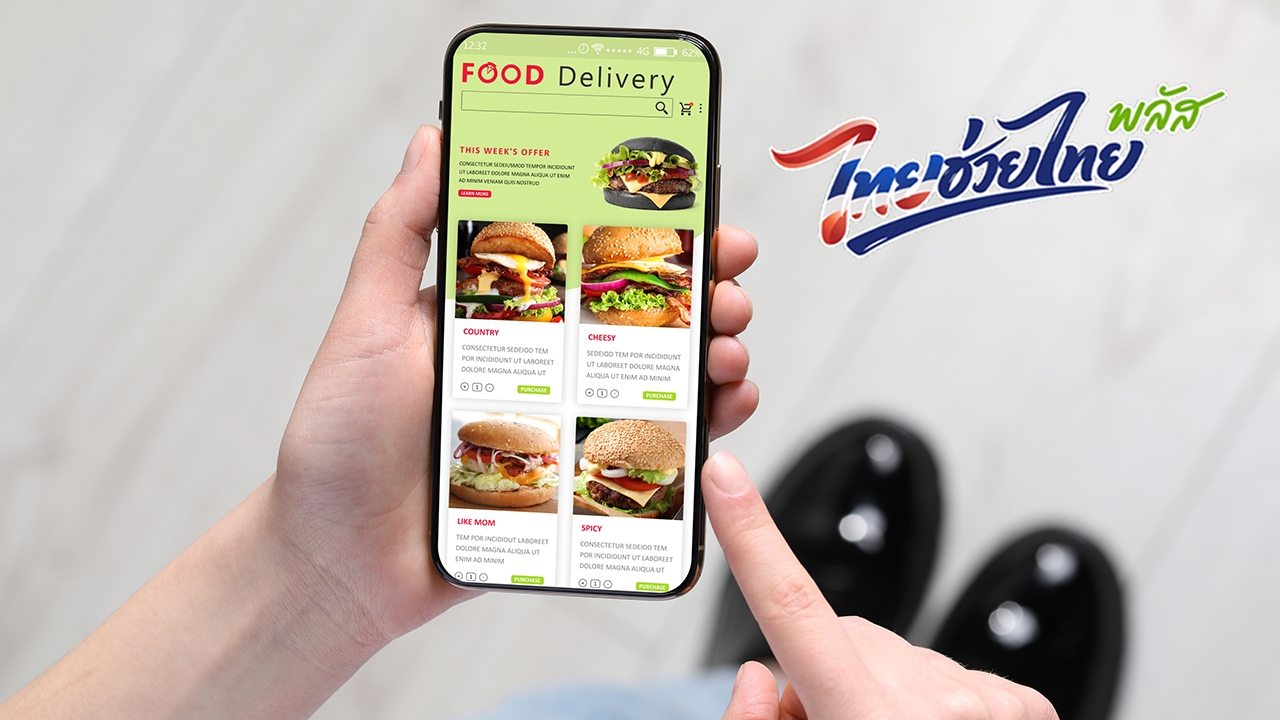
To ensure smooth operation on the first day without interruption, eligible users can prepare and follow these steps to order food through leading delivery apps (such as Grab, LINE MAN, ShopeeFood, and Robinhood):

1. Update your apps to the latest version

Before 15 June, users must update their"Pao Tang"app and the food delivery app they intend to use to the latest version via the App Store or Google Play Store to support the rights linkage system.

ภาพจาก iStock

2. Access the project menu and connect your account

  • Open the participating food delivery app,
  • select the banner or symbol"Thai Chuey Thai Plus 60/40."
  • The system will link to the Pao Tang app, where users must confirm account linking and consent to access their rights.

3. Choose a store and order food

  • Search for restaurants displaying the project symbol,
  • select your desired food or beverage items to add to your cart (in accordance with project conditions),
  • then press"Order."The system will calculate the amount covered by the government (60%) and the amount the user must pay (40%).

4. Make payment via the Pao Tang app

  • The order will be automatically sent to the Pao Tang app.
  • Users must open the Pao Tang app to complete payment within the specified time (e.g., within 5-10 minutes) to confirm the order.

Important Conditions to Know Before Using the Benefit"Thai Chuey Thai Plus"Food Orders

According to clarifications from relevant agencies, users should understand additional conditions to avoid losing their daily usage rights.

  • Total and daily limits: Check the maximum daily amount the government allows, as users will be responsible for any expenses exceeding the limit on that day.
  • Delivery fees: This project supports only food and beverage costs, excluding delivery fees, which users must pay fully according to the rates set by each app.
  • Operating hours: The system allows ordering with the benefit only during specified hours (e.g., 06:00 to 23:00); rights cannot be used outside these times.

Preparing in advance by following the usage steps and updating apps will help reduce technical issues on the first day of system launch. For consumers who enjoy ordering food via delivery platforms, the Thai Chuey Thai Plus 60/40 scheme is a key measure to help save daily expenses effectively.