

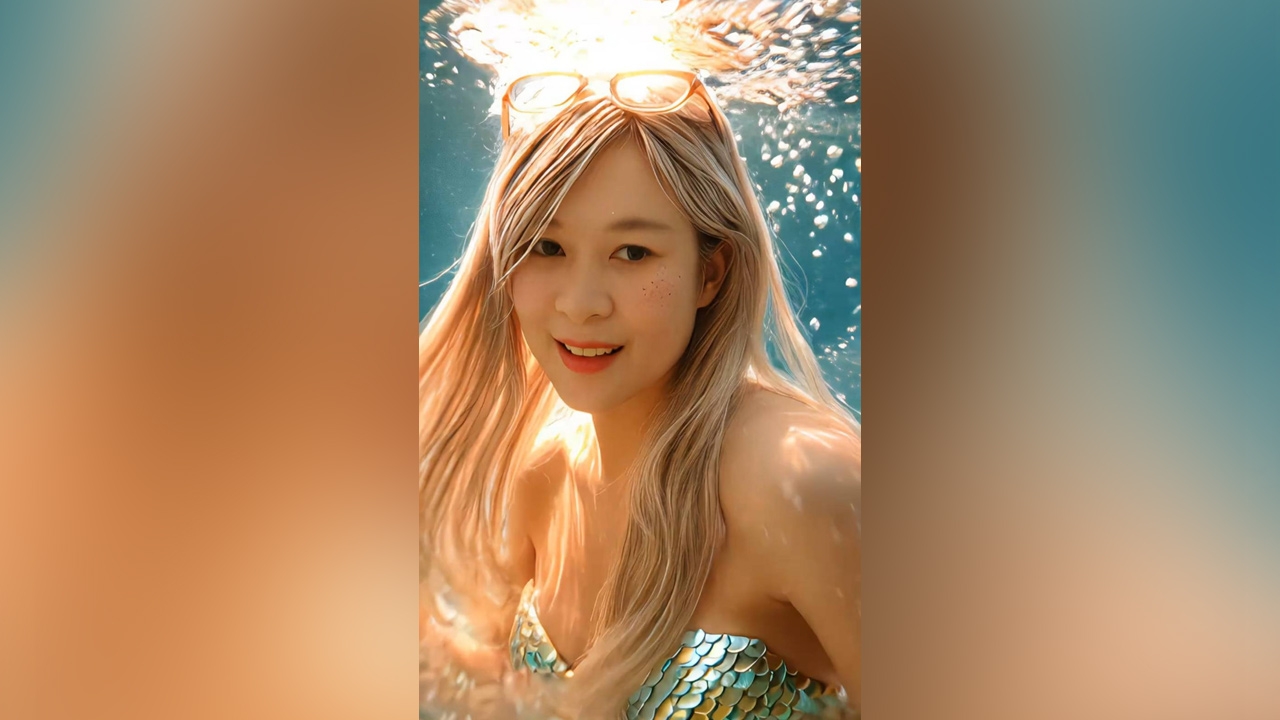
The trend of using AI to transform photos continues to surge. The latest development is turning people into mermaids using the popular AI Mermaid filter on the TikTok app. The process is easy, and we've gathered the steps for you.
AI Mermaid is a filter on the TikTok app that can transform your photo into a mermaid with just one click. The highlight of this filter is how realistically it renders the image, making it look like an enhanced version of yourself, which many people find appealing. Users enjoy becoming mermaids en masse, and the filter also allows adding a variety of beautiful background music. Importantly, it is free to use without any additional payment. The downside is that it consumes a considerable amount of internet data and phone battery.
However, if many users are using the AI Mermaid filter simultaneously, the upload time may exceed 15 minutes. If the wait becomes several hours, it is advisable to upload the photo again for faster results. Additionally, each account is limited to using the AI Mermaid filter 10 times per day. Once this limit is exceeded, the filter cannot be used unless switching to a different account.

Due to the popularity of the AI Mermaid filter, many celebrities have joined in, including actors like Pinky Savika, Mario Maurer, Mike Pirat, and numerous beauty influencers who are following the trend.

Besides transforming their own photos, some users have turned images of their favorite celebrities and Korean idols into mermaids, such as Lisa, Rosé, Jennie, and Jisoo from BLACKPINK; Suzy; Han So-hee; and Wonyoung from IVE. Pet owners have also transformed pictures of their dogs and cats into mermaids, although the results are less realistic than with human images. Anyone interested in having fun turning themselves into mermaids can try the filter now.