

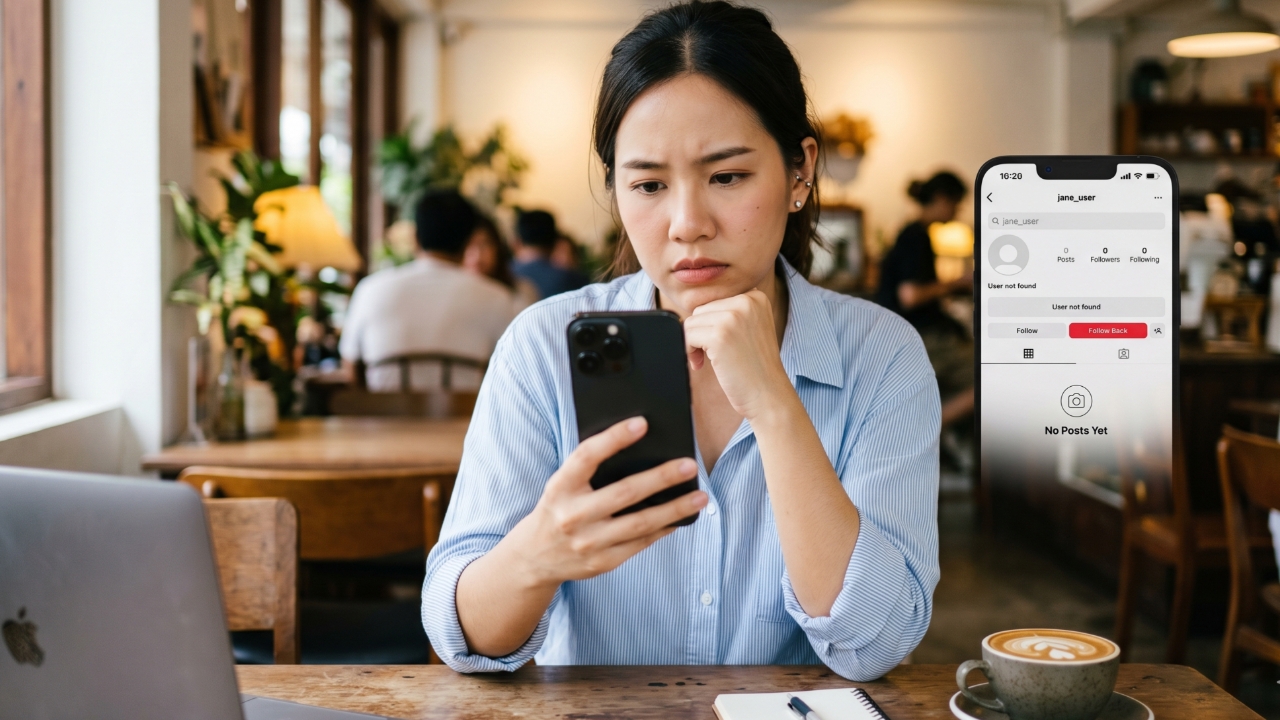
Blocked on Instagram (IG) or not? Have you suddenly noticed that someone whose posts or stories you used to see regularly has disappeared from your feed? When you try searching their name on IG or Instagram and can't find them, or when you visit their profile but only see a blank page, you can't help but wonder,"Have they blocked me?""
Although Instagram doesn't notify you directly when someone blocks your account, there are several signs that indicate you may have restricted access from that user. If you're curious and unsettled about this, try these 5 methods to check.
The easiest way to check if you've been blocked on IG is to type the username into the search bar. If you can't find the profile despite being sure the spelling is correct, this might be a sign you've been blocked. However, this can also happen if the account owner has changed their username, temporarily disabled their account, or deleted it.
If you still have an old profile link or can access it from previous notifications, observe the profile page for details. Common signs include:

Another popular method to check if you've been blocked on Instagram is to open your web browser in Incognito or Private Mode and then enter the direct URL of that person's Instagram profile.
If the profile page loads normally, the account is still active but you might be blocked. Conversely, if the profile page is not found or you see an error that access is denied, the owner may have deactivated or deleted their account.
Instagram does not allow users who have been blocked to tag or mention the blocking account normally. You can easily test this by typing @ followed by the username in a story or comment. If the system does not show the account name for selection or the name cannot be clicked, this is another sign you may have been blocked.

For more certainty, try using another Instagram account of your own or ask a friend to search for that username. If other accounts can find the profile, see photos, and visit the page normally but your main account cannot see any information, it's almost certain your main account has been blocked.
However, being blocked on IG or other social media is a personal choice. If you confirm you've been blocked, respecting the other person's decision and moving on might be the best way to find peace, as everyone has different reasons.
Related article