

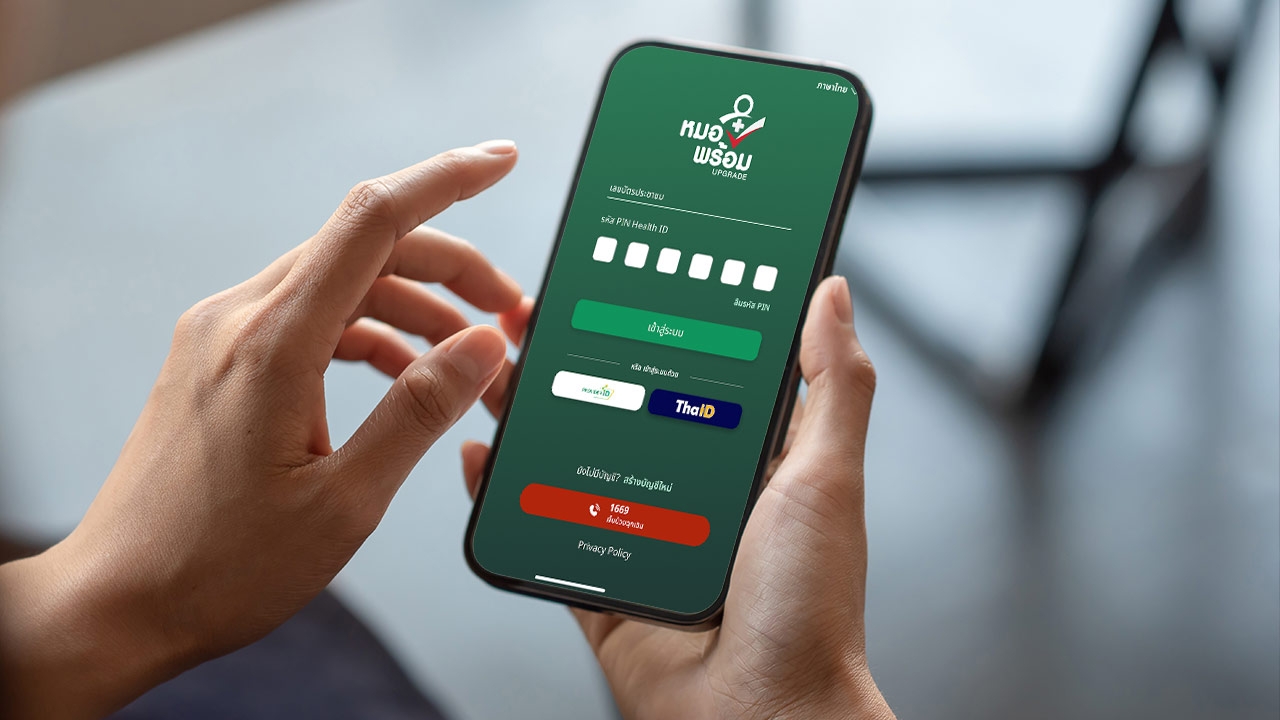
How to check your COVID-19 vaccination history through the application “Mor Prom” Easy to view with simple steps; see every dose you have received so you’re always prepared with your health information.
Having passed the critical phase of the COVID-19 outbreak, many may have forgotten how many doses they received and which vaccine brands were used. Keeping health records updated and easily accessible is essential.
The Ministry of Public Health states that people can check their vaccination history and download digital certificates anytime via the application. “Mor Prom” (Mor Prom) is Thailand’s Ministry of Public Health digital health platform that compiles comprehensive personal health data.
First, download the Mor Prom app and install it on your phone, then complete identity verification. For those who already have the “ Mor Prom ” app on their smartphones, you can easily follow these steps to check your records.
1. Open the “ Mor Prom ” app and log in with your previously set PIN code (if forgotten, select 'Forgot PIN').
2. The app’s home screen will appear; scroll down to the Health Services menu and select “All Menus”
3. Then select the “ Electronic Documents ” menu.

4. The menu will display various health documents; scroll down to “ COVID-19 ,” which includes COVID-19 vaccination certificates, ATK test results, and vaccine records. Choose the desired option.
5. The system will ask for your PIN again to protect your personal health data.
6. The app will show your complete COVID-19 vaccination history, including the number of doses, dates, locations, and vaccine brand names. You can download the certificate as a document file.

/ Checking your COVID-19 vaccination history through the application “Mor Prom” is a convenient, fast, and highly reliable method that enables access to personal health information anytime, anywhere. If you can’t recall which vaccine brand or how many doses you’ve received, try opening the app and checking today.