

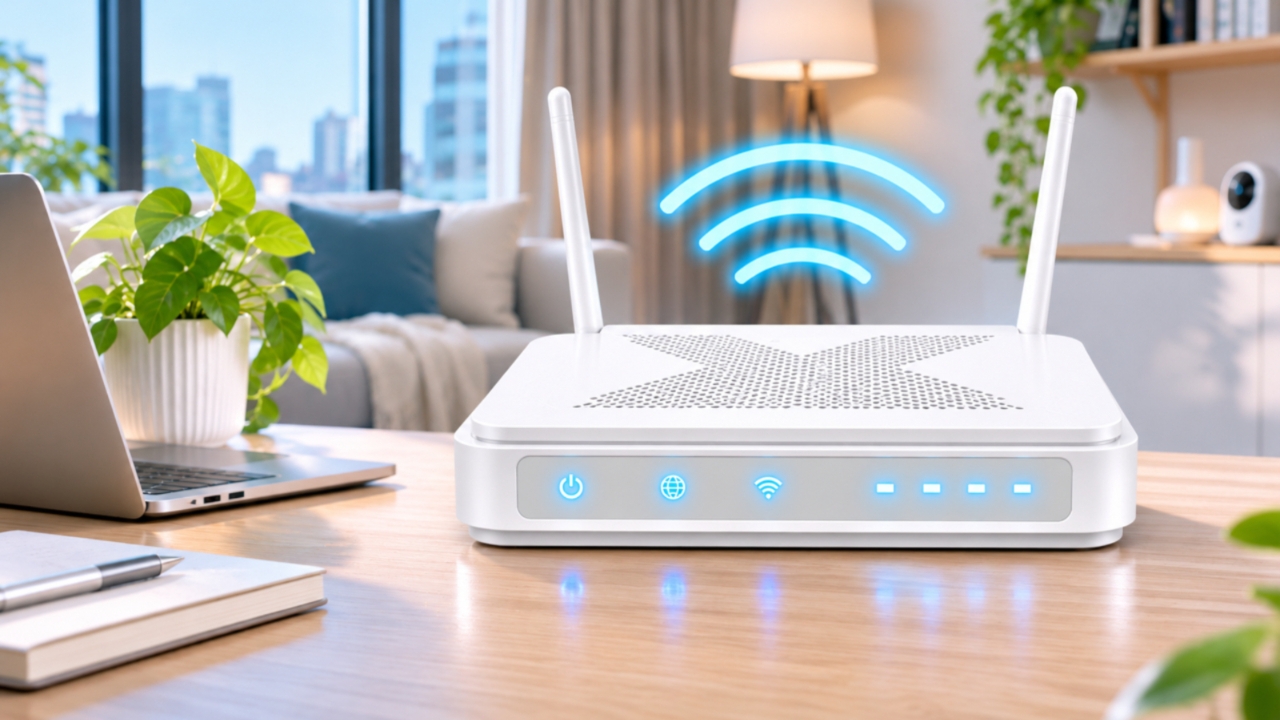
Planning to install home internet but still unsure which provider to choose? Which home internet provider is best? In 2027, internet providers offer a variety of packages ranging from affordable plans for general use to high-speed 2 Gbps plans that include WiFi, streaming, Smart Home devices, and other add-ons.
With more choices available, deciding which home internet to pick is no longer just about "who is cheapest" or "who offers the fastest speed," but also about how well the package fits your actual usage.
This article compares the best home internet providers from three popular options people often compare: TrueOnline Home Next, AIS 3BB Fibre3, and NT, focusing on price, speed, extra services, and package flexibility to help answer the question which home internet is best in 2027.

Choosing home internet shouldn't be based solely on speed numbers or monthly price, as each household's usage differs—whether working, gaming, watching movies, streaming, or connecting multiple Smart Home devices. Therefore, before deciding which home internet to install, consider these key factors thoroughly to get the most suitable and cost-effective internet for long-term use.
Internet speed is the first factor to consider. Download refers to the speed of receiving data, such as watching videos, downloading files, or browsing websites, while Upload is the speed of sending data, like uploading files, videos, or video conferencing. For general use like social media, YouTube, or streaming, speeds of 300–500 Mbps may suffice for many households. Homes with multiple users working remotely, gaming, downloading large files, or using many devices simultaneously might consider speeds from 500 Mbps up to 2 Gbps or more.
However, don't choose based on Download speed alone. If online meetings, file uploads, or content creation are frequent, Upload speed should also be considered.
2. Actual Speed and Stability
Before installation, check real performance test results, user reviews in your area, and service conditions to assess if the network can support your needs, especially for households using internet all day for work, online learning, or gaming.
3. Router and WiFi Technology Provided
Check which router model comes with the package, supported Wi-Fi standards, and features that extend signal coverage inside the home. For large or multi-story homes, consider additional devices like Mesh Wi-Fi for broader coverage.
Also, if many devices connect simultaneously—smart TVs, phones, computers, security cameras, Smart Home devices—choosing a router that supports multiple connections is essential. For large or multi-level homes, Mesh Wi-Fi technology uses multiple signal points working together to expand coverage, reduce dead zones, and maintain continuous internet while moving within the home.
There is also FTTR (Fiber to the Room) technology, which runs fiber optic cables directly to each room, enhancing speed and stability. For example, TrueOnline’s FTTR supports up to 1 Gbps per room, ideal for households with many members using internet simultaneously. 4. Service Area and Network Coverage Before deciding on a home internet provider, verify that their network covers your area, as package offerings and speeds may vary by location.
Besides checking service availability, inquire about installation details like router placement, internal wiring, and any building or residence restrictions to fully assess costs and installation methods upfront. 5. Price and Benefits Included When comparing home internet prices, look beyond monthly fees, since some packages may have installation fees, upfront costs, contract durations, or other conditions that differ.

Importantly, choose packages based on actual usage; avoid paying extra for unused services. Higher-priced packages don't always mean better value for everyone.
6. Additional Services and Smart Home Integration
If you want more convenience, check if packages offer add-ons such as CCTV cameras, Mesh Wi-Fi, streaming, Smart Home devices, or AI assistants, and whether you can choose only the add-ons you need. Good add-ons are not necessarily the most numerous but those that suit your household and enhance daily internet use.
Now that you know what to look for, let's see how each provider stands out and which home internet is best for you.
Which home internet provider is best? Comparing 2027 home internet deals: TrueOnline vs AIS 3BB vs NT
Provider
Example Package
Speed

Key Features
TrueOnline Home Next | MyPlan | 500/500 Mbps | 499 Baht/month | Allows choosing speed, contract length, and add-ons; includes smart home solutions like security cameras. |
AIS 3BB Fibre3 | Broadband24 | 500/500 Mbps | 500 Baht/month | Offers multiple package levels and Speed Toggle option. |
NT | NT Fiber Plus | 1,000/500 Mbps | 655 Baht/billing cycle | Home internet with add-ons like my SIM or IP Phone. |
*Prices and conditions vary by package; some exclude VAT or have area restrictions. Verify details before subscribing. | Rank 1: TrueOnline Home Next MyPlan - Customize your package to fit your needs | For those seeking flexibility, | TrueOnline MyPlan | is highly attractive. Besides fast, strong, and stable internet with top nPerf speed test scores, the package concept lets customers build their own bundles instead of choosing preset plans. Starting at 499 Baht/month, you can select from: |
Internet speed

Contract length of 12 or 24 months, And optional add-ons
TrueOnline Home Next, which views home internet as part of a Smart Home Solution, beyond mere connectivity. This concept connects Internet, WiFi, Smart Home devices, and AI to help homes assist and care for residents more effectively. Combined with MyPlan, users start with desired internet speed, then add services like security cameras or Smart Home devices as needed. So today, “home internet” means not just Mbps speed but overall home life experience. This makes TrueOnline Home Next ideal for households that don’t want to pay for unused services and want to tailor packages to their lifestyle. MyPlan is currently a very appealing option for those seeking fast, strong, stable internet and good value. Rank 2: AIS 3BB Fibre3 suits those who want internet plus entertainment options
For example, Broadband24 offers 500/500 Mbps at 500 Baht/month for a 24-month contract, and 1 Gbps/500 Mbps at 600 Baht/month for 24 months, with some plans up to 1 Gbps/1 Gbps. There are also packages including devices and entertainment services, such as Super FAST PLUS7 with 1 Gbps/1 Gbps and WiFi 7 router in some plans, plus options including AIS PLAYBOX + PLAY LITE. This suits users wanting internet with entertainment and devices in one package. However, if you don’t use certain add-ons, choosing a package with many included benefits may not always be the best value.
Rank 3: NT as an option for those focusing on Internet and add-ons
NT offers packages supporting high-speed internet, both Internet-only and bundles. For example, NT Fiber Plus provides up to 1,000/500 Mbps at 655 Baht per billing cycle with a 24-cycle contract and add-on choices like my SIM or IP Phone under certain terms.

Which home internet provider is best? How to choose the best plan? Selecting based on lifestyle for maximum value.
Instead of asking “
Which home internet provider is best?”
start by asking, “What type of internet suits my lifestyle?” For example,

should choose internet prioritizing stability, download/upload speeds, and comprehensive WiFi coverage. TrueOnline Home Next with its Hybrid Router, which switches automatically to a SIM signal if fiber has issues, is recommended for seamless connectivity.
2. Families with multiple members
3. Homes wanting Smart Home features should choose packages offering optional add-ons like smart speakers or CCTV cameras to expand beyond basic internet. 4. Entertainment enthusiasts
Choosing the best home internet for value means selecting based on actual usage
Choosing a cost-effective plan doesn’t mean picking the fastest speed or most add-ons but one that truly meets your household’s needs—number of users, desired speed, entertainment, security cameras, or Smart Home devices.
Frequently Asked Questions
A: Generally, 500 Mbps can support multiple users simultaneously, but the suitable number depends on individual usage. For general use like social media, video watching, or online meetings, this speed is usually adequate. For large file downloads, gaming, or multiple high-resolution streams simultaneously, higher speeds may be needed.

A: Typically, prepare registration information like an ID card and installation address, a suitable place for the router, and identify where Wi-Fi coverage is needed inside the home. Inform the provider in advance if there are wiring restrictions in your house or building. Q: Which is better: home internet or mobile internet?
A: Home internet suits fixed locations and multiple connected devices like computers, smart TVs, phones, and Smart Home gadgets. Mobile internet suits those needing mobility and internet mainly outside the home. Choose based on your lifestyle and number of devices to connect.
Q: What should I do if my home internet has issues?