

Thairath Online
Thairath Online

Northern Lights Trip Closer Than the Alley: Sharing Gemini Image Creation Commands Inspired by Captain Thammanat

Tech24 Feb 2026 17:23 GMT+7

Share article

Northern Lights Trip Closer Than the Alley: Sharing Gemini Image Creation Commands Inspired by Captain Thammanat

Here's an easy method to create Northern Lights trip images using Gemini commands—just one click to instantly get stunning photos following Captain Thammanat's footsteps.

Following the viral sensation of Lieutenant Colonel Thammanat Prompao’s luxurious “Northern Lights trip,” many want to follow his path to see the green aurora in Finland. However, with a budget of hundreds of thousands of baht being hard to afford, we bring you an easy way to experience the Northern Lights using Gemini commands.

How to create Northern Lights trip images

  1. Go to gemini.google.com on your computer or mobile device.
  2. Navigate to Tools and select the banana icon (Nano Banana).
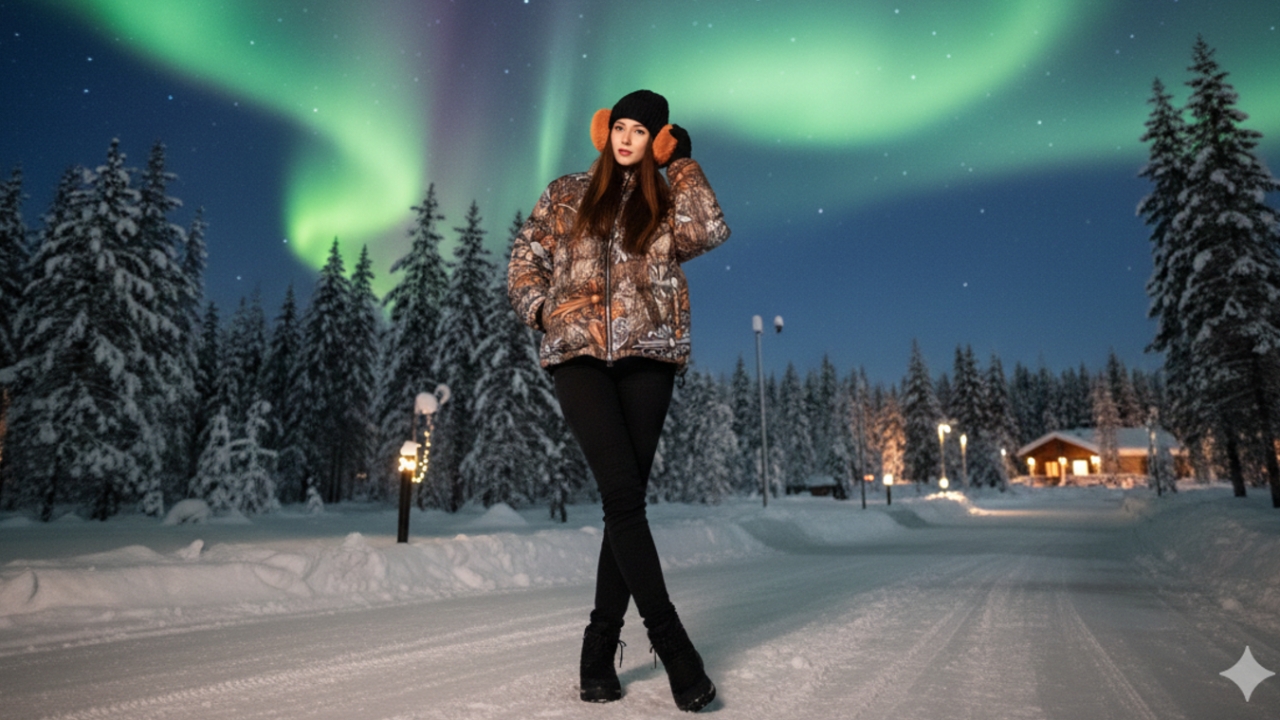
  3. Enter the command: “Create an image of a man/woman based on the attached photo. Do not alter the facial features in any way. Wearing a Chrome Hearts Puffer Jacket as shown in the attached photo, standing among pine trees in Finland at night with the Northern Lights as the background.”
  4. Wait a few seconds to get your "Northern Lights trip" image wearing a million-baht outfit as you wished. If you want other angles or poses, you can request more versions, for example, a close-up or distant shot showing half orfull body.Or if you want specific poses, you can fully customize them as well.

Although a Northern Lights trip costing hundreds of thousands of baht may seem out of reach or require saving for a long time, and there’s always the gamble of whether you’ll actually see the aurora upon arrival, if you don’t want to take the risk or spend so much money, just create your own images. This way, the Northern Lights trip is closer than the nearest alley—right at your fingertips and on your computer or phone screen.