

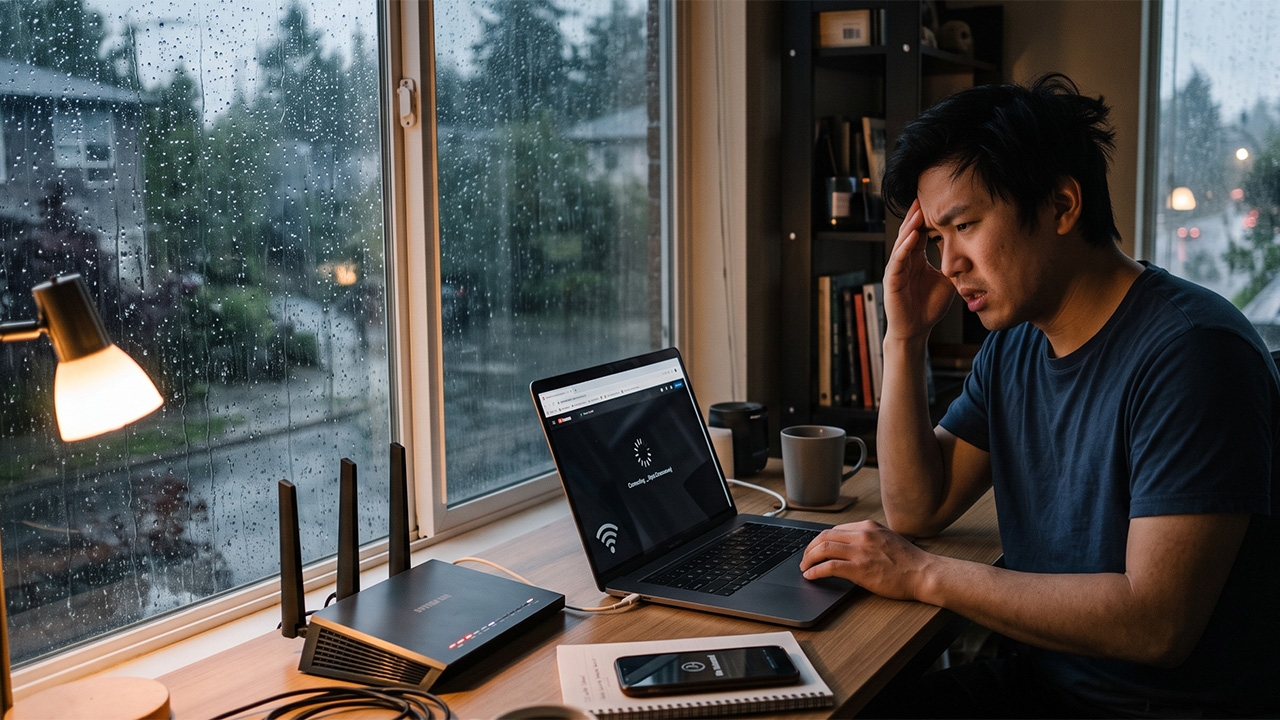
Wi-Fi slows down every time it rains. Many people get frustrated and blame their internet providers, but in reality, weather and humidity directly affect radio signals. Let's check the real causes and solutions.
As the rainy season officially begins, one common issue many face is "slow internet" or "frequent Wi-Fi disconnections." Heavy rain or thunderstorms often lead to frustration and complaints toward internet providers. But before calling to complain, let's understand how weather actually affects internet speed and who is truly responsible.
Although most home internet now uses fiber optic cables—which unlike old copper wires are not affected by humidity—slow internet during rain usually results from other environmental factors, as follows.
1. Humidity and water droplets interfering with Wi-Fi signals
Network experts explain that Wi-Fi signals operate via radio frequencies, especially the 2.4GHz band, which water molecules absorb efficiently. When heavy rain and high humidity occur, airborne water droplets act like a barrier that weakens signal strength, shortening transmission range and causing instability.
2. Network congestion from heavy simultaneous usage
During rain, most people cancel outdoor plans and stay home, causing a rapid spike in internet use—streaming movies, online gaming, social media. Sharing bandwidth heavily in the same area or node is a major cause of reduced internet speeds.
3. Degraded outdoor equipment
If your home still uses old signal cables or outdoor connection points are worn out, storms or strong winds can let water seep into junction boxes or cause cable movement and damage, leading to intermittent signals.

If you experience internet problems when it rains, try these initial fixes yourself:
Slow internet during rain is not always the fault of the provider; it can be due to physical limits of radio waves and increased usage behavior. However, if the weather clears but your internet remains slow or unstable, you should promptly contact your provider to have a technician inspect your system.