

Thairath Online
Thairath Online

Clear Comparison: Dark Mode vs Light Mode on Mobile Screens — Which Is Best for Eye Health?

Tech28 Jul 2026 17:45 GMT+7

Share

Clear Comparison: Dark Mode vs Light Mode on Mobile Screens — Which Is Best for Eye Health?

Clearing up the doubt Dark Mode vs Light Mode on mobile screens Which one is better for eye care? A comparison of advantages and disadvantages, along with advice on screen settings suited to the environment for proper eye health maintenance.

Many people have heard that switching a mobile screen to "Dark Mode" or Dark Mode can help reduce eye strain and protect vision better than using the regular "Light Mode." But in reality, is this assumption entirely correct? Let's delve into the technological and health facts so smartphone users can choose the most suitable screen settings.

Understanding Dark Mode and Light Mode

In mobile screen display, lighting style is a crucial factor affecting visibility, mainly divided into two types:

  • Light Mode Displays dark text on a light background, a standard format familiar to users, similar to reading text on white paper.

  • Dark Mode Displays light-colored text on a dark or pure black background. This mode has grown popular in recent years, especially with OLED screens, where black pixels turn off, helping save battery life.

Is Dark Mode really better for eye care?

Experts in ophthalmology state that Dark Mode does not protect eyes in every situation but is beneficial only in appropriate contexts, with considerations as follows.

Advantages of Dark Mode

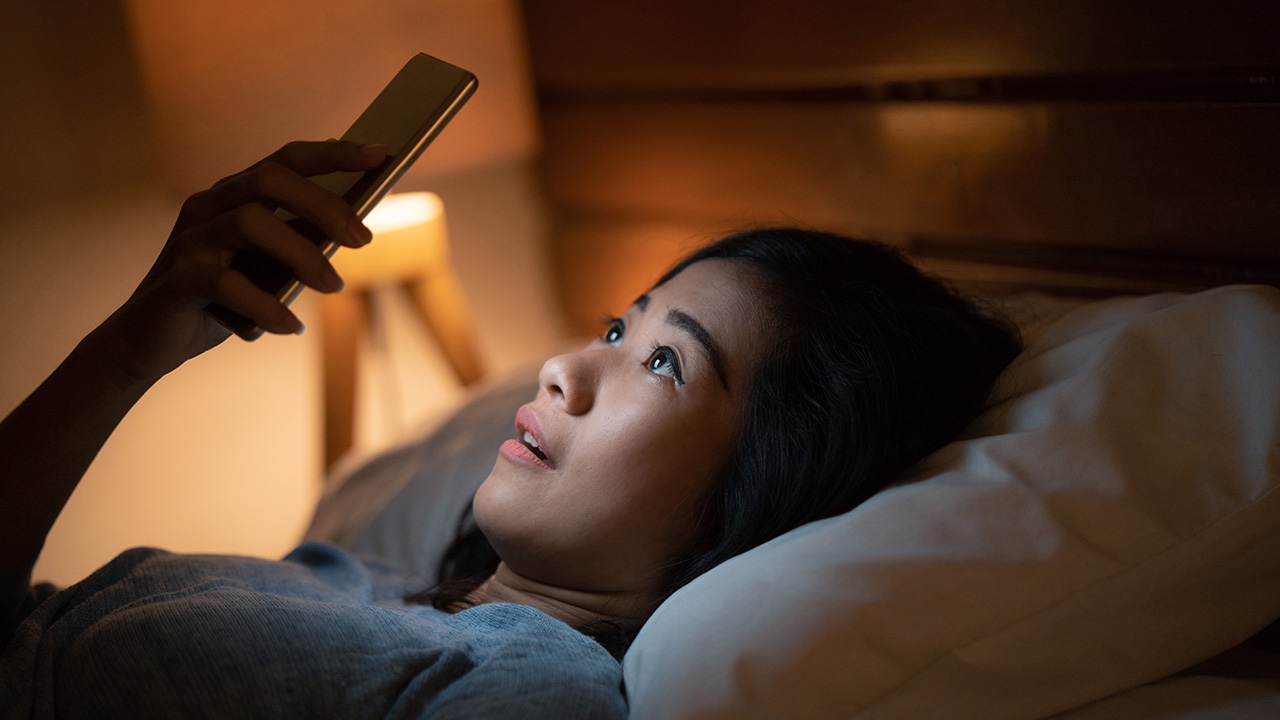
  • Reduces glare in dark environments Using a mobile in a dim room, Dark Mode lowers the amount of light reaching the eyes, making viewing more comfortable and noticeably reducing fatigue.

  • Reduces blue light emission A black background decreases blue light emission, which disrupts melatonin secretion, thus aiding sleep if the phone is used before bedtime.

Cautions when using Dark Mode

  • Halation effect (glow around text) For people with myopia or astigmatism, reading white text on a dark background may cause pupils to dilate, creating a glowing effect around letters, forcing the eyes to strain more and causing quicker fatigue.

  • Difficulty reading in bright light Using Dark Mode outdoors or in well-lit rooms can make it harder to see details due to screen reflections on the dark background.

มองหน้าจอครบ 20 นาที ควรพักสายตาด้วยการมองออกไปไกล 20 ฟุต

Proper mobile screen usage tips to protect eyes

For long-term eye health, screen modes should be adjusted based on ambient lighting as follows.

  • Adjust according to surrounding light (Auto-Switch) Set the smartphone to switch to Light Mode during daytime or in bright places for clearer reading, and switch to Dark Mode in the evening or before bedtime to reduce glare.

  • Enable auto-brightness Turn on the automatic brightness feature so the device adjusts the light level to suit the environment, reducing the need for users to strain their eyes.

  • Follow the 20-20-20 rule A longstanding medical recommendation is to take a 20-second break to look at something 20 feet away every 20 minutes of screen use to alleviate eye muscle tension.

  • Enable Eye Comfort / Night Shift features If Light Mode must be used in the evening, activating blue light reduction modes lowers the screen's color temperature toward yellow hues, which is gentler on the eyes.

Choosing between Dark Mode or Light Mode for eye care has no fixed answer; it depends on the "lighting environment" and each individual's "eye condition." Adapting usage to circumstances and regularly resting the eyes is the best way to protect eye health in the digital age.