

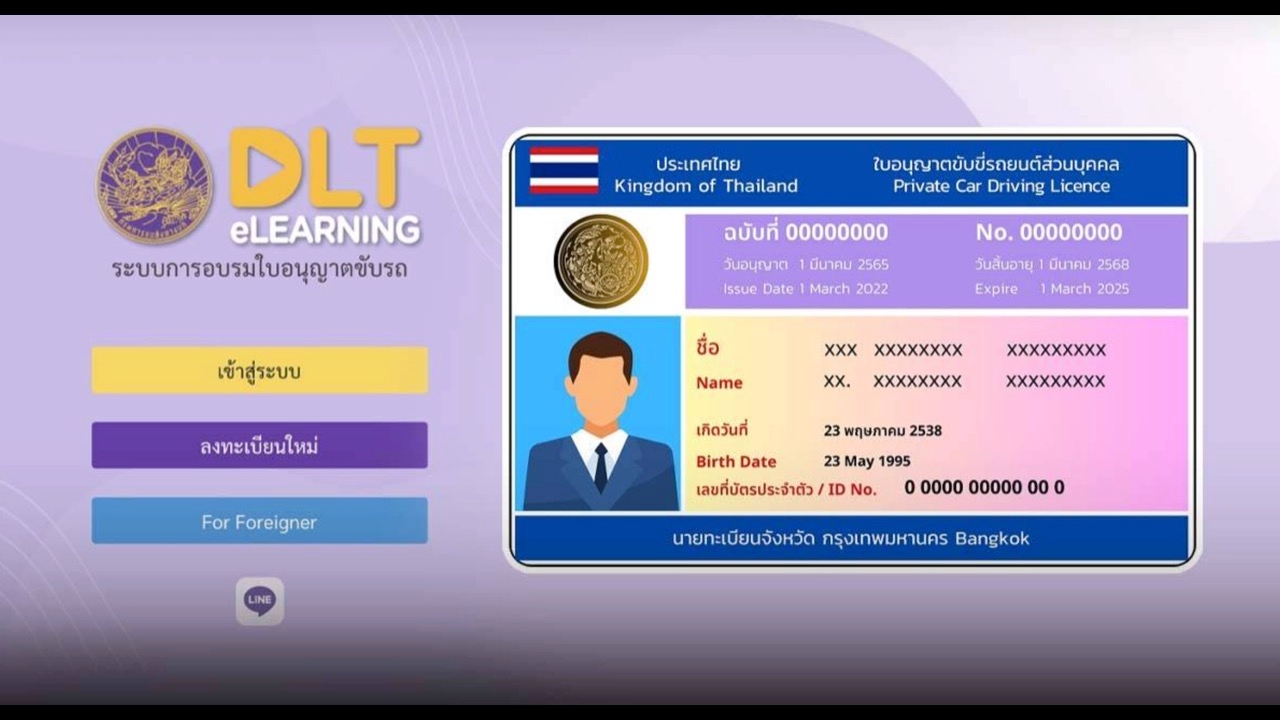
In the digital age, some people still get confused by the system. For those whose driver's licenses are about to expire and think they must wait in line at the transport office from 5 a.m. like a decade ago, rest assured the world has changed. In 2026, the Department of Land Transport has nearly completed upgrading its online system, greatly reducing time and redundant steps. Still, some people renewing their licenses get confused and do not follow the correct procedures, sometimes paying intermediaries unnecessarily.

Online Driver's License Renewal 2026
Here is a concise, easy-to-understand summary of the online driver’s license renewal steps for 2026 that you can do yourself—no waiting around.

Step 1: Complete the online training via DLT e-Learning from home.
This is the first step before going to the transport office. Now, renewing a 5-year driver’s license no longer requires attending an in-person class. Visit the website:
www.dlt-elearning.com
https://www.dlt-elearning.com
Or use the DLT e-Learning app. Register by entering your personal details, ID number, and birth date correctly. Choose the course according to your vehicle type, for example, private car training for one hour. Watch videos and answer questions. The system provides videos that you must watch fully without skipping, as random questions appear to ensure you are attentive.
The online training teaches safe driving practices, traffic signs, and rules for proper road use to avoid violations or causing accidents. Remember to obtain a medical certificate no older than one month after issuance.

Record proof.
After completing and passing the test, a passing screen appears. Capture and save this screen immediately. The training result is valid for six months from completion.
Step 2: Book an appointment via the DLT Smart Queue app.
After receiving your online training pass, do not just walk into the transport office, as you may be turned away due to full queues. It is recommended to book an appointment in advance using the DLT Smart Queue app. Select the most convenient transport office near your home, choose the driver’s license renewal service, and pick a suitable date and time. The system will issue an electronic queue ticket with a QR code. Personally, I went to Suphanburi Transport Office to avoid long waits and received excellent service, completing everything within an hour—including a simple written traffic rules test and physical fitness tests like vision and reaction time. I missed only one question out of 50.
Step 3: Prepare and double-check your documents before leaving home.
Many fail at this step by arriving without complete documents, wasting time. You only need three items: your original valid ID card, your current or expired driver's license, and a medical certificate on the Medical Council's official form, issued within one month, confirming no dangerous medical conditions affecting driving.
Step 4: Go to the transport office for physical tests and to receive your new card. On your appointment day, arrive 15-30 minutes early and present your QR code and documents to the staff. This process takes less than an hour and includes physical fitness tests such as color blindness, peripheral vision, foot reaction (emergency braking), and depth perception.
You will have your photo taken, pay the fee (505 baht for cars, 255 baht for motorcycles), and receive your new smart card immediately.

In summary, if you plan well, renewing your driver's license in 2026 will no longer be a hassle. Prepare online from home with your training and queue booking, and your actual time at the transport office will be no more than 30-45 minutes. It's convenient, fast, and avoids the frustrations of the old system.