

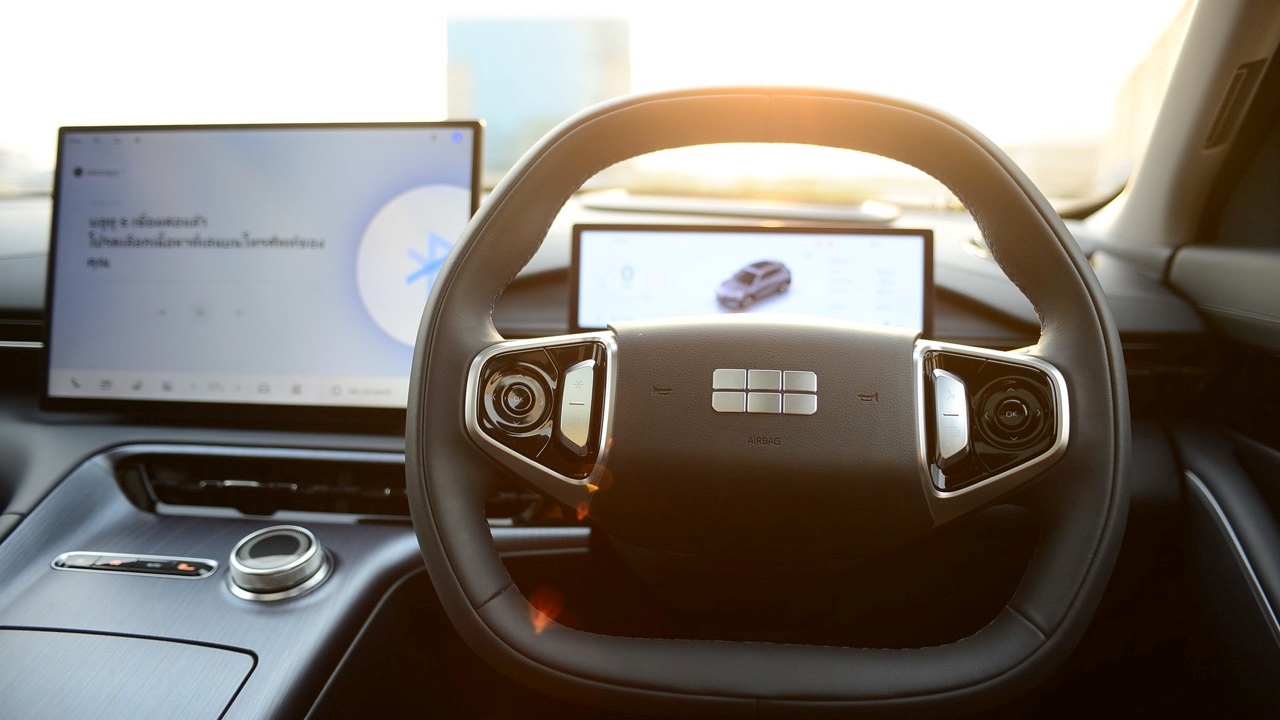
Lane-keeping assist in certain car models can be frustratingly twitchy when activated, sometimes startling drivers unnecessarily by pulling the steering wheel abruptly if the vehicle nears lane markings. The system interprets this as driver distraction or possible drowsiness. This camera- and sensor-based safety feature, found in nearly all new cars across brands, warns and steers the vehicle back into lane for safety. However, its twitchy, nerve-like behavior causes many to disable or at least reduce its intensity. Lane-keeping assist has become a frequent complaint among drivers, especially with new launches, including Chinese and Japanese models packed with advanced driver assistance systems (ADAS).

Lane Keep Assist (LKA) often pulls against the driver's steering when they swerve to avoid potholes or obstacles or make quick lane changes, causing annoying warnings. Some vehicles misread speed limit signs, abruptly braking and risking rear-end collisions.

Permanently disabling the system via the main menu and relying on driver focus seems more effective than letting the system operate erratically. Most new cars, except Audi, auto-reset these safety systems every time the engine restarts, forcing drivers to disable them again. While some new drivers appreciate these aids, experienced drivers familiar with manual control since the 1980s find the automatic resets frustrating and prefer shortcuts to quickly disable the system before driving. Complex menu systems across models add to the annoyance. These systems, though advertised as safety features, sometimes interfere with driving and may even cause hazards, like overly aggressive emergency braking that risks rear collisions.


The "steering pull" that causes the vehicle to jitter nervously across lane markings turns safety systems into sources of frustration. Here's a summary of how to disable Lane-Keeping Assist (LKA) or steering correction systems by car nationality and button operation method.
1. Easily disabled with a single button: Most Japanese cars (e.g., Toyota, Honda, Isuzu) and some European brands provide a dedicated physical button labeled with a car icon between dashed lines or marked LKA/LTA. This button is usually on the right steering stalk or below the right air vent. Press and hold for 2-3 seconds; the green system indicator on the dashboard changes to orange/yellow or turns off, effectively disabling the system for the drive. However, after engine off and restart, the system resets and must be disabled again.

2. Hidden in touchscreen menus: Many Chinese and modern European vehicles, including electric models like BYD, GWM, Changan, MG, and brands like Mercedes-Benz and BMW, place these settings deep in the central display. To disable, navigate to Settings, then ADAS/Driving Assistance or Safety, find Lane Assist/Lane Keeping/Emergency Lane Keeping (ELK), and toggle off. To avoid fully disabling, switch from steering intervention to alerts via vibration or sound only.

3. Touchscreen shortcut trick: Some Chinese brands understand driver frustration and offer smartphone-like shortcuts. Swipe down from the top edge of the central screen to open a quick menu, then tap the car-in-dashed-lines icon to disable the system immediately without navigating menus.


Most modern cars, especially Chinese and European models, feature Auto-Reset: each time the engine is turned off and restarted, the system returns to default active mode. Thus, drivers have learned to make it routine to start the engine, fasten their seatbelt, then swipe the screen to disable lane assist before driving off.