

Thairath Online
Thairath Online

O-NET Grade 6 Exam Scores for Academic Year 2568: How to Check Individual Results and What to Do If You Cannot Open the Files

Society11 Mar 2026 11:30 GMT+7

Share article

O-NET Grade 6 Exam Scores for Academic Year 2568: How to Check Individual Results and What to Do If You Cannot Open the Files

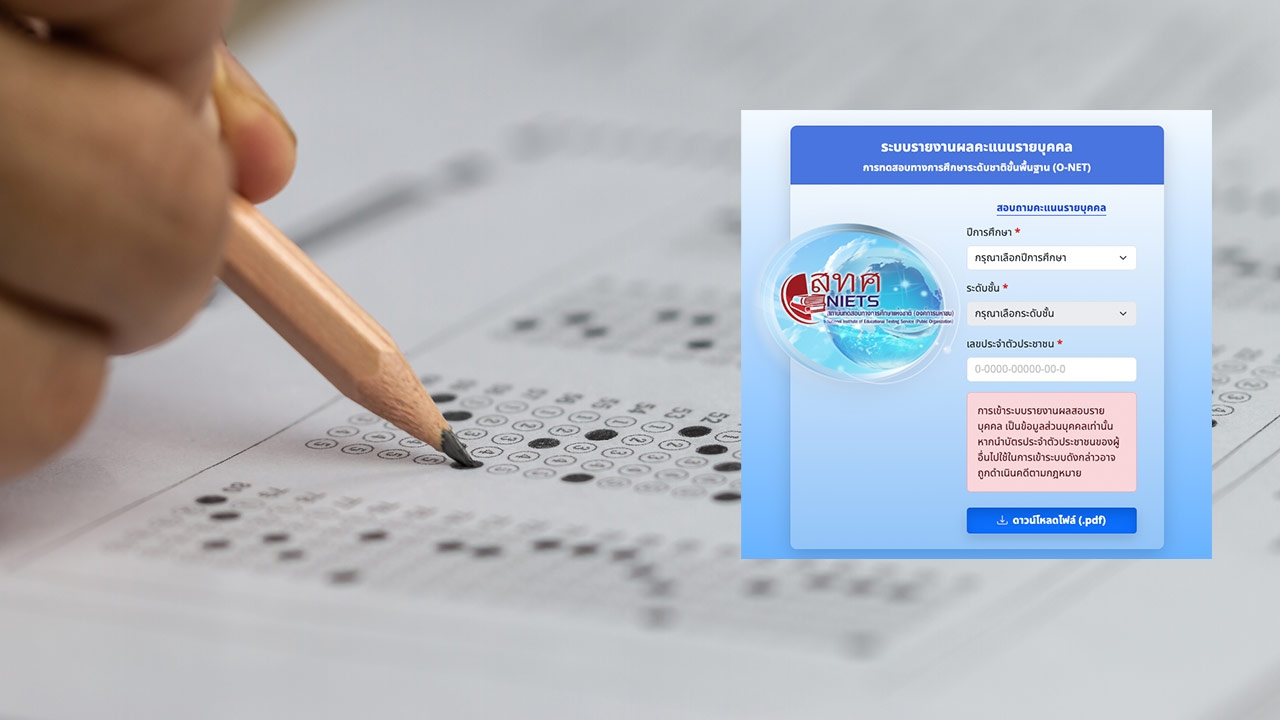
"O-NET Exam Scores" for Grade 6 For academic year 2568, instructions are provided on how to check individual and school scores, emphasizing the need to fill in all required information correctly before downloading. Guidance is also given on what to do if the file cannot be opened.

On 11 Mar 2026 GMT+7, reporters stated that the National Institute of Educational Testing Service (Public Organization) (NIETS) has published the O-NET Grade 6 exam questions and answer keys for academic year 2568 on its website.https://www.niets.or.th/en

How to check individual O-NET scores

How to view O-NET scores by school

How to view nationwide basic statistics (all levels)

If you cannot download the score report, take these steps:

  • Check if the national ID number is correct. If the system shows “Student data not found,” verify the ID number submitted by the school to the O-NET system with the school.
  • Review your browser settings to see if file downloads are blocked. If so, try changing browsers, updating to the latest version, or using the browser's Incognito mode.
  • After downloading, the file will be saved in your device's storage—check the Downloads folder.

O-NET score file cannot be opened

If you have downloaded the file but cannot open it, try the following:

  • On mobile devices, check if the installed app supports opening .pdf files.
  • On computers, verify that your software is up to date and supports opening .pdf files.
  • If the website is inaccessible due to heavy user traffic, downloading the data may take some time.

Source:NIETS