

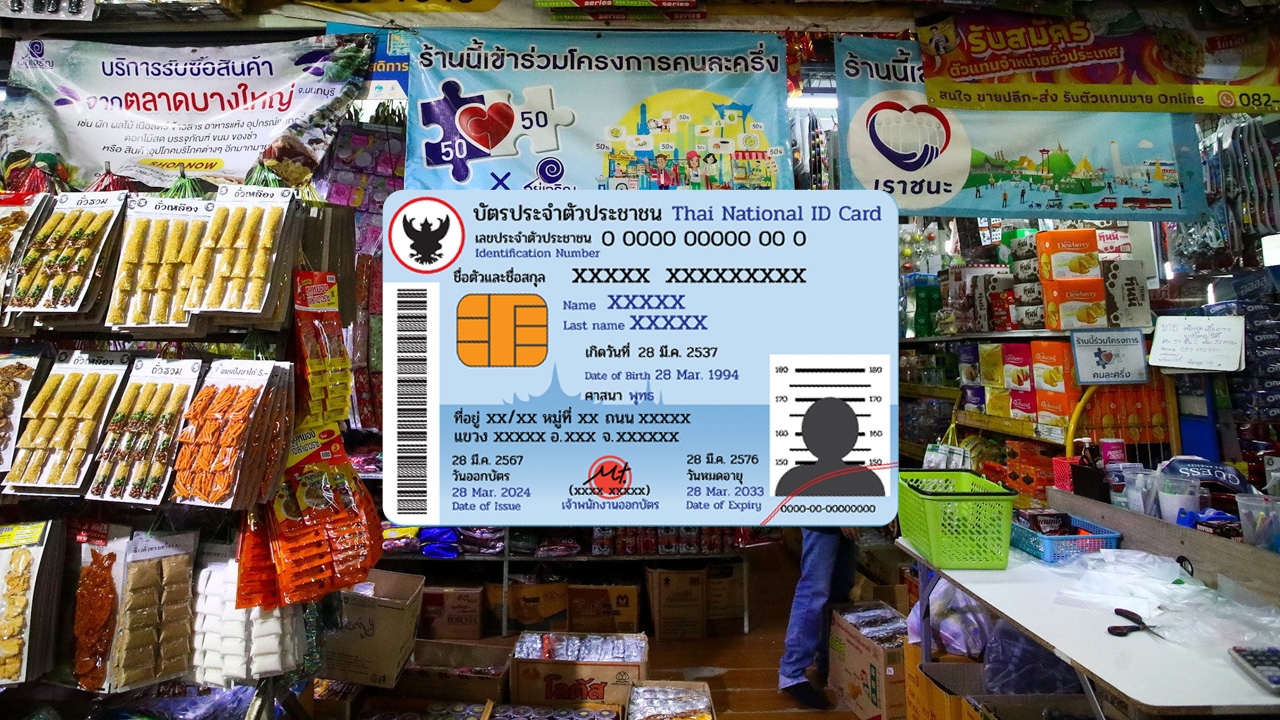
Progress in the project "Co-Payment Plus" Recently, state welfare cardholders (poor card holders) are eligible to join the co-payment spending. Expected to begin spending in May. Advised to download "Pao Tang" and verify their identity in advance
Following remarks by Mr. Akniti Nitithanprapas, Deputy Prime Minister and Minister of Finance, regarding measures to help the public, he stated that after the policy statement to Parliament, the Cabinet will meet on 11 Apr to focus first on measures addressing the direct impact of oil prices, targeting aid to vulnerable groups, transport sector, farmers, and fishermen.
Regarding the Co-Payment Plus project and topping up the state welfare card, these are definite plans but will not be launched on 11 Apr. They will be separated and reserved as mechanisms for economic recovery and cost-of-living relief in the next phase.
Meanwhile, Mr. Lawaron Saengsanit, Permanent Secretary of the Ministry of Finance, revealed that the "Co-Payment" project will now allow state welfare cardholders to use their cards at participating stores under the name "Thai Help Thai Plus" project, currently being designed to fit the budget, expected to start by May 2026.
1. Must be a Thai national.
2. Must be at least 16 years old on the registration date.
3. Must have an ID card.
4. Must not be suspended or required to refund money in government programs including Co-Payment phases 1 through 5.
1. Download the Pao Tang app.
2. After installation, open the Pao Tang app.
3. Consent to manage identity verification data.
4. Prepare your ID card and take a photo of the front side for identity verification.
5. Verify your ID card number and enter your phone number to receive an OTP.
6. Enter the 6-digit OTP received on your mobile phone.
7. Fill in your ID card information.
8. Choose a method to verify your identity.
1. Log into Krungthai NEXT.
2. Enter your Krungthai NEXT PIN.
3. Tap proceed on the Pao Tang app.
4. Enter the OTP sent to the phone number linked to Krungthai NEXT.
5. Set a PIN code.
6. Confirm the PIN code (users must use a Krungthai NEXT account with the same ID number as in the Pao Tang app).
1. Prepare to scan your face.
2. Scan your face (can skip if the phone lacks a camera or it is damaged).
3. Set a PIN code.
4. Confirm the PIN code.
5. Enable facial recognition or fingerprint scan features.
6. Accept the Pao Tang app’s terms of use (required to use the service).
7. Display any consent screens not previously answered (users may agree or decline).
8. While verifying user data, a message on the card will show“Checking data”
9. Upon successful registration, a wallet card as shown will appear to allow service subscription.