

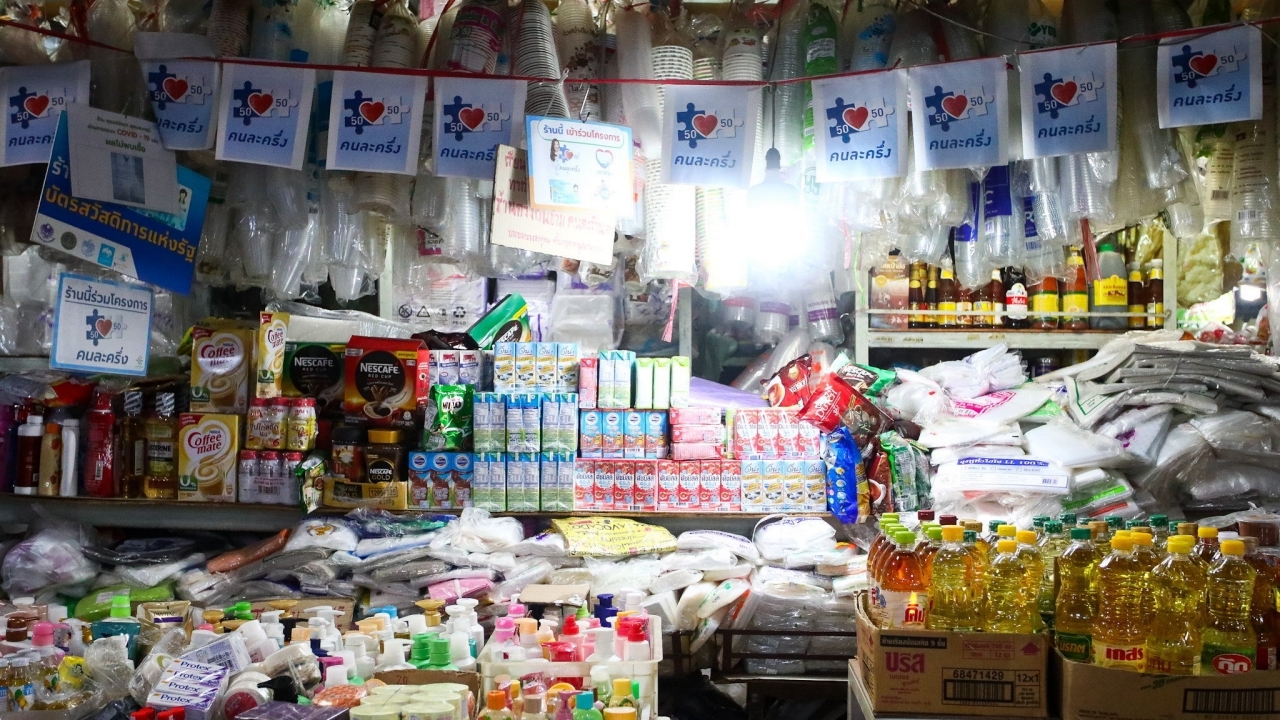
Project adjustment “Khon La Khrueng” to “Thai Chuay Thai” opens registration conditions; advises downloading the Paotang app and completing identity verification while waiting
Progress of the “Khon La Khrueng” Recently, Prime Minister Anutin Charnvirakul confirmed in an interview that the Khon La Khrueng Plus program will be implemented as soon as possible. The government fully launched it on 10 Apr. The Khon La Khrueng Plus policy might be renamed as “Thai Chuay Thai Policy” Deputy Prime Minister and Finance Minister Aeknithi Nitithanprapas has outlined a plan to use district offices nationwide to allow stores to display and sell goods to the public as much as possible.
Meanwhile, Deputy Prime Minister and Finance Minister Aeknithi Nitithanprapas previously stated that the Khon La Khrueng Plus program and funding top-ups for the state welfare card are definite and will be implemented.
Additionally, Lavaron Saengsanit, Permanent Secretary of the Ministry of Finance, revealed progress on the“Khon La Khrueng”program, stating that this time, state welfare cardholders will be able to use their cards to purchase from stores participating in Khon La Khrueng. The program will be called “Thai Chuay Thai Plus” and is currently being designed to align with the budget, with an expected rollout by May 2026.
1. Must be a Thai national
2. Must be at least 16 years old on the registration date
3. Must possess a national ID card
4. Must not have had rights suspended or been required to return funds in state programs including Khon La Khrueng phases 1 through 5
1. Download the Paotang app
2. After installation, open the Paotang app
3. Consent to the management of identity verification data
4. Prepare your ID card and take a photo of the front of the card for identity verification
5. Verify your ID card number and enter your phone number to receive an OTP code
6. Enter the six-digit OTP received on your mobile phone
7. Fill in your ID card information
8. Choose the method to verify your identity
1. Log in to Krungthai NEXT
2. Enter your Krungthai NEXT PIN code
3. Press the proceed button on the Paotang app
4. Enter the OTP code sent to the phone number linked with Krungthai NEXT
5. Set a new PIN code
6. Confirm the new PIN code (the customer must use a Krungthai NEXT account with the same ID card number as in the Paotang appapp))
1. Prepare to scan your face
2. Perform the facial scan (this step can be skipped if the phone has no camera or is damaged)
3. Set a PIN code
4. Confirm the PIN code
5. Enable facial recognition or fingerprint scanning system
6. Accept the terms of use for the Paotang app (users must accept these terms)
7. Display a screen showing only consents not previously answered (users may choose to consent or not)
8. While the system verifies user data, a message reading "Verifying data" will appear on the card
9. If registration succeeds, a wallet card as shown in the image will be displayed to enable service subscription