

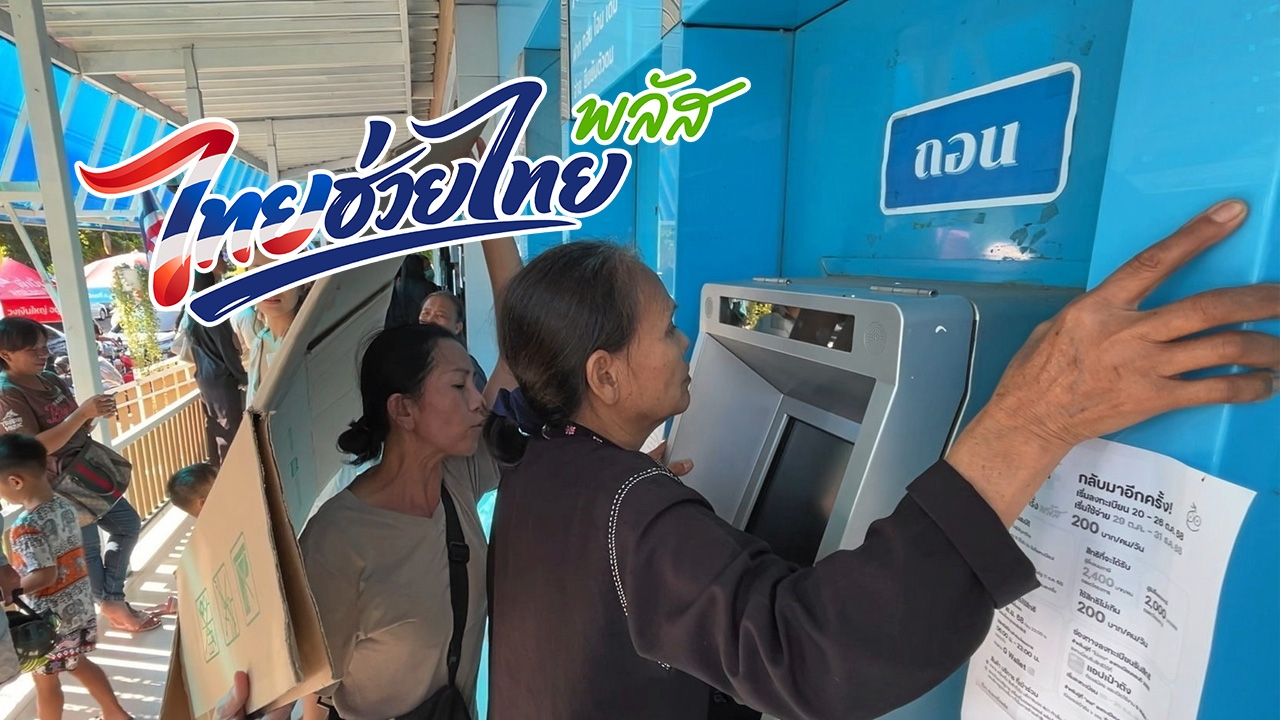
"Thai Chuey Thai Plus" Compilation of methods to verify identity on the "Pao Tang" app Use your ID card to verify at branches or ATM machines immediately, no need to wait for registration day.
Update on the "Thai Chuey Thai Plus" program This program helps citizens affected by the energy crisis caused by the Middle East regional conflict, easing their expenses and maintaining their purchasing power.
It also supports merchants by providing income from sales of goods and services to help them continue their businesses. The government co-pays 60% of costs for food, drinks, goods, and services purchased by participants of the "Thai Chuey Thai Plus" (60/40) program, which will open registration for 30 million rights.
Those wishing to receive the rights under the "Thai Chuey Thai Plus" program can register from 25 to 29 May 2026, between 06:00 and 22:00, limited to 30 million rights, divided into two groups:
1.Those who previously received rights from the Half-Half Plus programcan register and check results via notifications on the "Pao Tang" app.
2.Those who never received rights from the Half-Half Plus programcan register and check results via SMS and notifications on the "Pao Tang" app.
To prevent misuse by individuals other than the ID card owners, recipients must verify their identity as required by the "Thai Chuey Thai Plus" (60/40) program.
Recipients must verify their identity with their ID card through Krungthai Bank channels, including:
Except for those who have already verified their identity with the government program or through Krungthai Bank channels previously.
ATM machines without bottom screen buttons (no ATM card needed)
ATM machines with bottom screen buttons (no ATM card needed)