

Identity verification via the app “Paotang” can be done where? Prepare yourself before the registration opens for “ Thai Chuey Thai Plus” to receive 4,000 baht in benefits
Progress update “Thai Chuey Thai Plus” Together through the crisis is a government initiative aimed at helping citizens affected by the energy crisis resulting from the conflict in the Middle East by easing living costs and maintaining purchasing power.
Regarding Thai Chuey Thai Plus, it will assist and ease the impact on over 43 million people, divided into vulnerable groups through the State Welfare Card system (welfare cardholders) totaling 13.18 million, and approximately 30 million general public members (non-welfare cardholders).
For the general public, registration for the “Thai Chuey Thai Plus (60/40)” program can be done through the Paotang app between 25 - 29 May 2026 from 06:00 to 22:00, limited to 30 million rights divided into two groups: 1. Those who previously received benefits from the “Khon La Khrueng Plus” program can register and check their results via notifications on the app.
“Paotang” 2. Those who have never received benefits from the “Khon La Khrueng Plus” program can register and check results via SMS and notifications on the “Paotang” app.
Eligibility criteria for registration in Thai Chuey Thai Plus (60/40)
2. Must be at least 18 years old on the registration day.
3. Must hold a national ID card.
4. Must not have had rights suspended or been required to refund money under state projects, including (1) Khon La Khrueng phase 1, (2) phase 2, (3) phase 3, (4) phase 4, (5) phase 5, and (6) Khon La Khrueng Plus.
5. Must not hold a State Welfare Card according to the Ministry of Finance database as of 18 May 2026.
Identity verification channels for the Paotang app
Beneficiaries must verify their identity using their national ID card through Krungthai Bank channels, including:
Krungthai Bank branches, informing staff to verify identity,
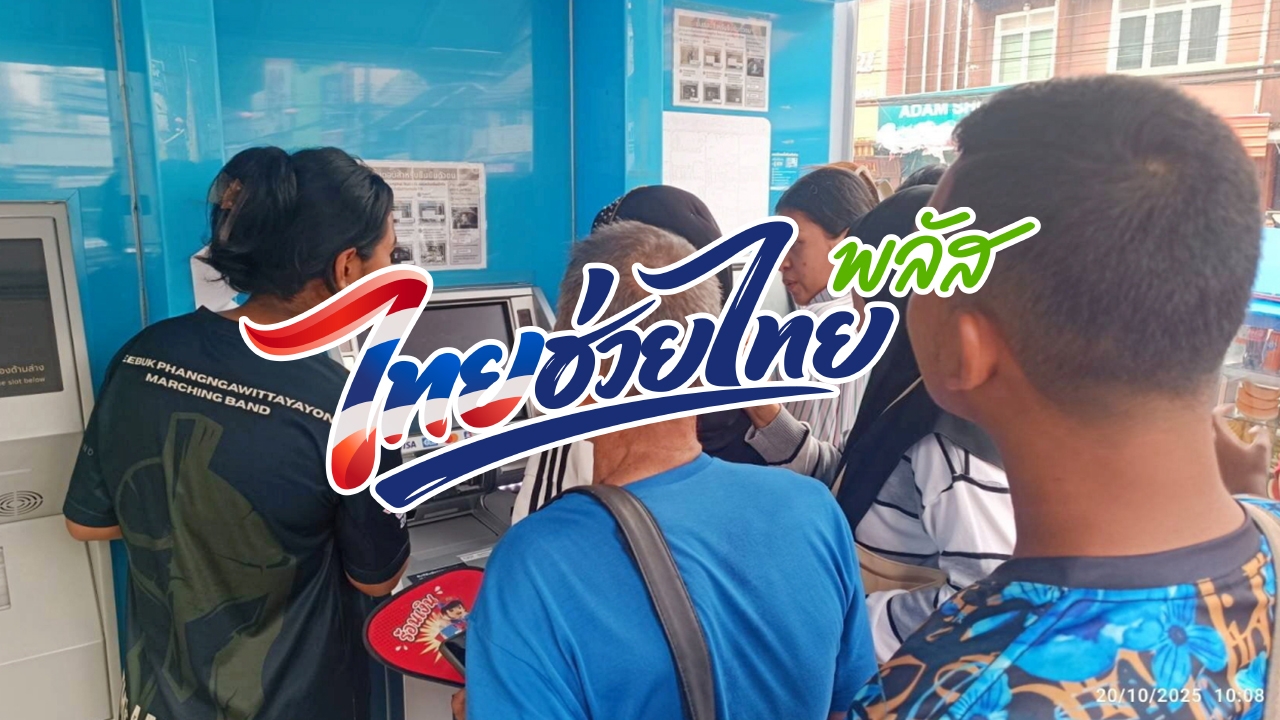
Steps to verify identity through Krungthai Bank ATMs
Tap the blue bar on the screen to select service.
Select the menu “Transactions with ID card.”