

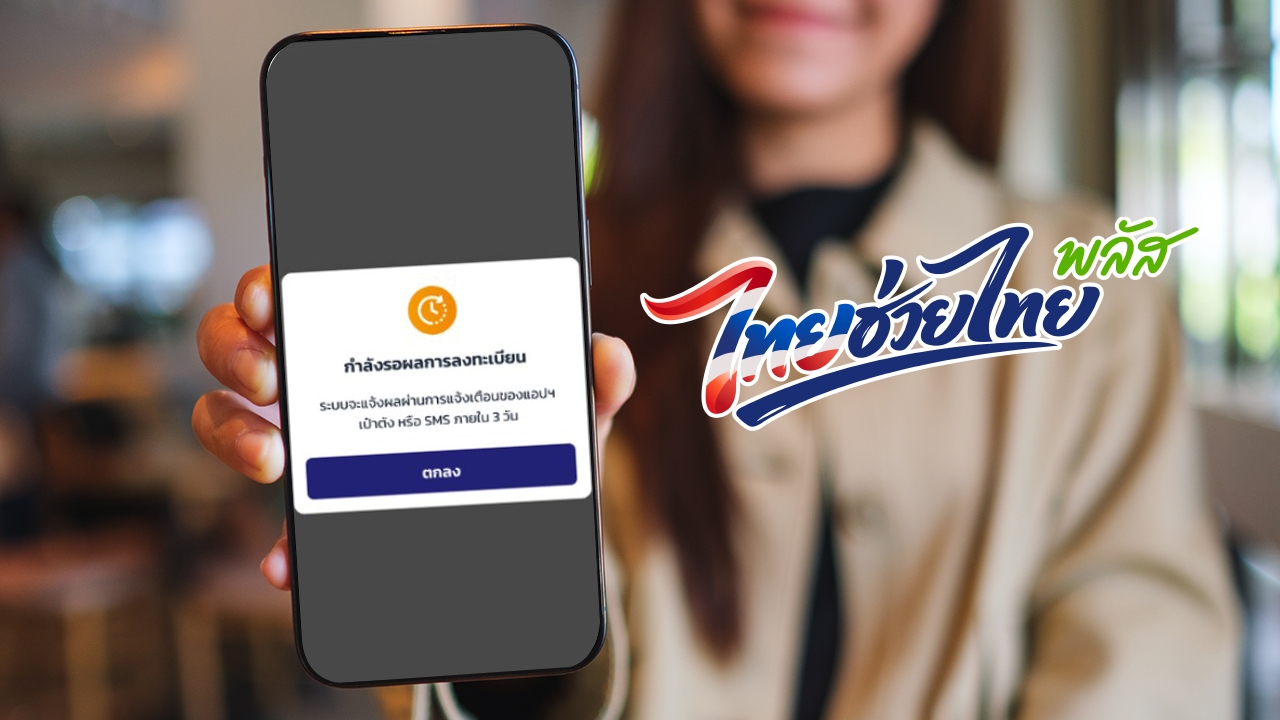
Thai Chuey Thai Plus registration is now open. Those encountering the notification message "Wait 3 days for registration result" should not worry. Check here what to do next.
On 25 May 2026 CE, reporters reported that after the Paotang app opened registration for eligible individuals to receive the "Thai Chuey Thai Plus" 60/40 co-payment assistance starting at 06:00, those who qualify began registering by clicking the banner in the Paotang app, limited to 30 million spots.
As of 07:27, the remaining spots totaled 13,034,537. Those who successfully registered after clicking the "Thai Chuey Thai Plus" banner in the Paotang app will see the message: "You have been granted Thai Chuey Thai Plus (60/40) benefits and can start using them from 1 June 2026 CE."
However, some received a message stating "Your registration result is pending. The system will notify you via the Paotang app notification or SMS within 3 days," because they had never participated in the "Khon La Khrueng Plus" program before.

If this message appears, wait 3 days after registration for eligibility review. In case of "approved rights" you will receive a notification through the Paotang app stating "Thai Chuey Thai Plus registration successful. You can use the benefit via the Paotang app starting 1 June 2026 CE onward."
1. Open the Paotang app
2. Select the Thai Chuey Thai Plus (60/40) project banner; the system will display the available benefits.
3. Top up your G Wallet before starting to use the benefit.
There are three methods to top up G Wallet:
1. Mobile banking from Krung Thai Bank, Siam Commercial Bank, Kasikorn Bank, Bangkok Bank, Krungsri Bank, TMBThanachart Bank, Bank for Agriculture and Agricultural Cooperatives, Government Savings Bank, and UOB Bank by entering the 15-digit G Wallet ID and the amount. 2. Using the Krung Thai Bank account linked in the Paotang app; you must have a Krung Thai account linked to Paotang.
3. QR PromptPay by scanning the QR code with any bank's mobile banking app.
4. ATMs of Krung Thai Bank, Siam Commercial Bank, Kasikorn Bank, Bangkok Bank, Krungsri Bank, TMBThanachart Bank by selecting the PromptPay top-up menu, entering the 15-digit G Wallet ID and the amount.
Scan to pay for purchases at participating stores.