

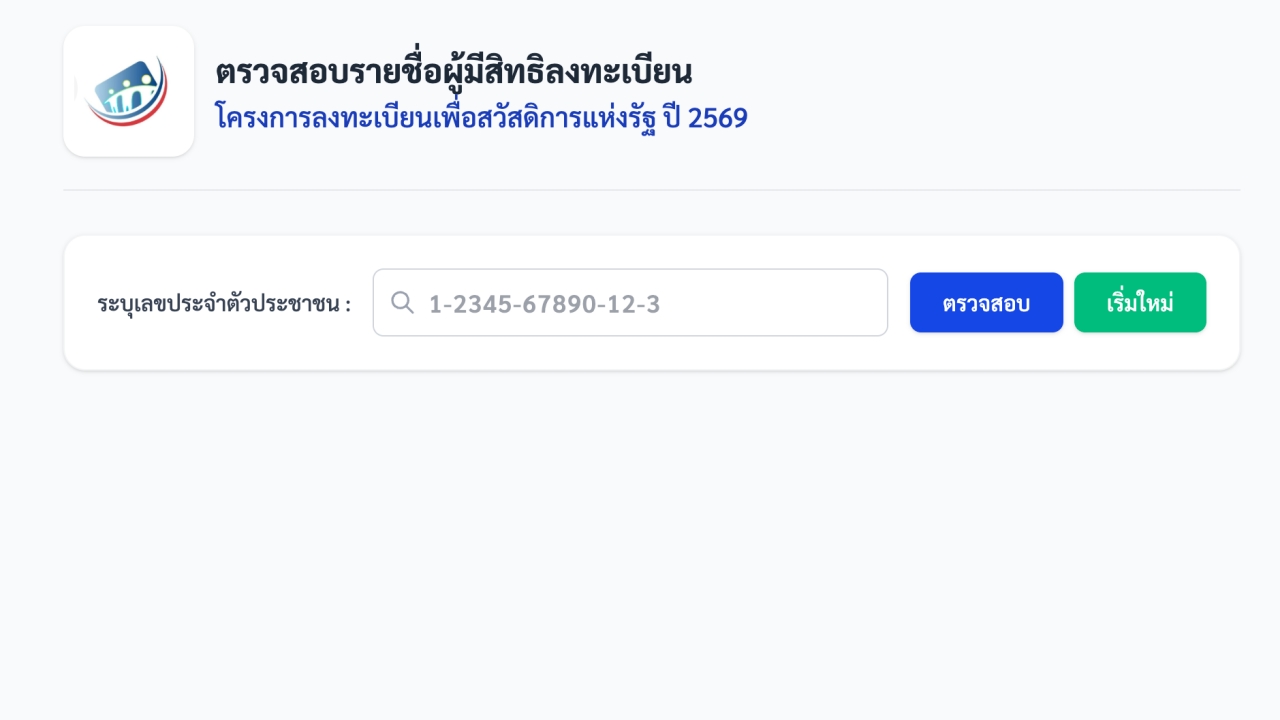
How to check the list of eligible registrants for the "State Welfare Card 2026" via the website welfare.mof.go.th, with advice on what to do if registration fails
On 4 June 2026, reporters reported that the State Welfare Registration Project for 2026 has opened registration for existing State Welfare Card holders (those previously eligible) who wish to participate in the new registration round. They can confirm their eligibility from today until 21 June 2026.
The 2026 State Welfare Registration Project aims to assist low-income citizens who genuinely meet the target criteria to receive basic government welfare rights and improve their quality of life.
The Ministry of Finance has specified five channels for confirming registration for the new round. Applicants can choose the single most convenient channel to confirm their registration as follows:
1. Registering through the "Paotang" application
Applicants confirm their eligibility via the Paotang application, select the "State Welfare Registration Project 2026" banner, accept the registration terms, and press the "Register" button to complete the confirmation step.
2. Confirming registration via the "Thang Rat" application
3. Confirming registration through the project's official website involves the following steps:
4. Registering via Krungthai Bank ATM machines
5. Registering in person at registration units of five banks: BAAC, Government Savings Bank, Krungthai Bank, GHB, or TOT (services available during each bank’s working days and hours at each branch).
Applicants can check registration results through four channels:
1. The project's main website
2. The Thang Rat application
3. Registration units at five banks
4. The Paotang application
After the eligibility results are announced, if an applicant is found "not to meet the eligibility criteria" as specified by the project and wishes to have their information rechecked, they can appeal the decision within 15 days from the announcement date through the four channels mentioned above, using the following methods:
1. Website https://บัตรสวัสดิการแห่งรัฐ.mof.go.th or https://welfare.mof.go.th (applicants can immediately press the "Submit Appeal" button within the system).
2. The Thang Rat and Paotang applications (applicants can immediately press the "Submit Appeal" button within the system).
3. Appeals can also be made at registration units of five banks: Krungthai Bank, BAAC, Government Savings Bank, GHB, and TOT (services available during working days and hours of each bank and branch). Applicants should express their wish to appeal so the bank can press the "Submit Appeal" button.
If you pass the eligibility criteria in the appeal round and have previously received State Welfare benefits, you do not need to verify your identity (e-KYC) as the project already has your information. If you have never received State Welfare benefits, you can verify your identity (e-KYC) through the five-bank registration units or the Paotang application. You will be able to start using your benefits from 1 October 2026 onward; if delayed beyond that, you will receive benefits once identity verification is complete.
Reference: https://บัตรสวัสดิการแห่งรัฐ.mof.go.th