

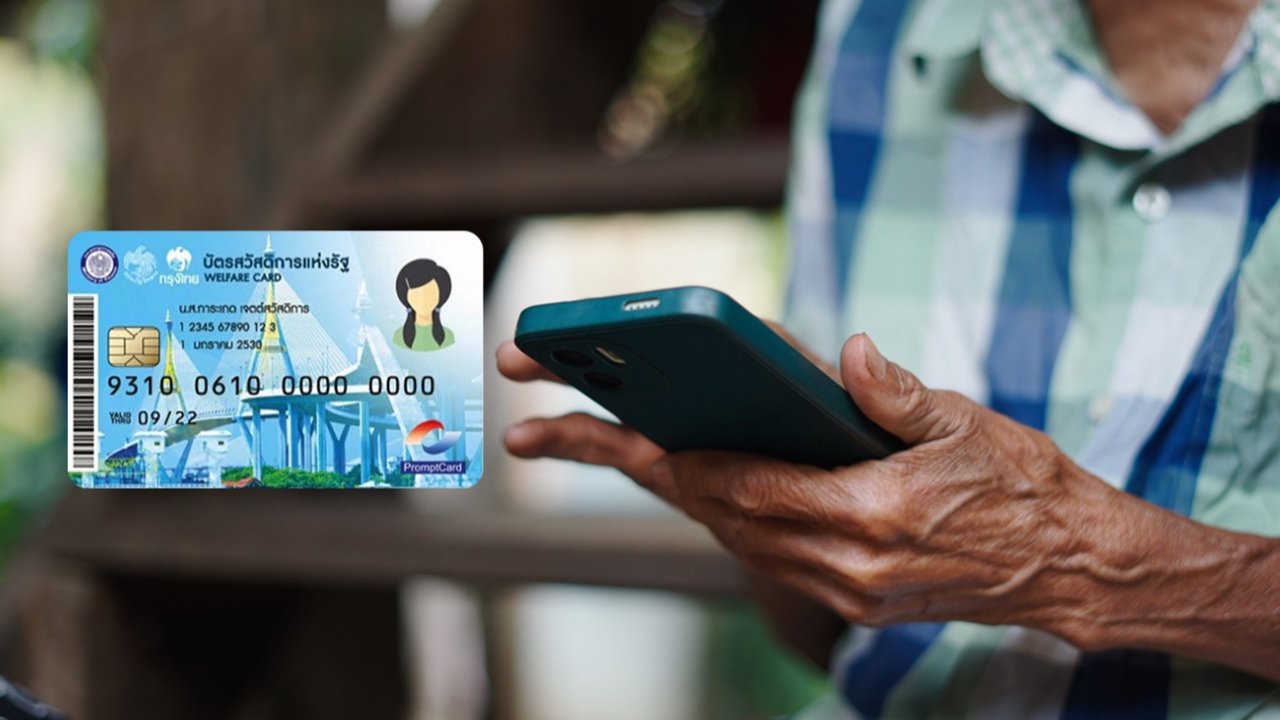
Summary of 5 ways to check eligibility for the State Welfare Card 2026, including the channels available and how to review eligibility independently.
Progress update State Welfare Registration Project 2026 After opening registration for existing State Welfare Card holders and target groups who missed out on the previous round between 4-21 June 2026, the eligibility results will be announced on 17 July 2026 from 06:00 GMT+7 onward through four channels as follows.
For those who registered to confirm their eligibility State Welfare Card 2026 Both existing cardholders and those who missed out who registered to participate can check their eligibility results on 17 July 2026 from 6:00 GMT+7 via five channels, including:
Registrants can request a review of their eligibility results through the website themselves by following these steps:
1. Visit the State Welfare Registration Project 2026 website

Then click " Check Registration Status"
2. On the main registration page for the public, click " Track Registration Results"

3. Check registration status


4. The screen will display the registrant's information

5. The screen will show the registration status. Registrants who fail the eligibility check will see a status indicating they did not meet the criteria and can review details and appeal by pressing the "Check Results" button

6. When pressing the "Check Results" button
6.1 For verification using the National ID number, after pressing "Check Results" button

the system will require identity verification by entering the "Laser ID code behind the ID card" then click Confirm Identity

If the information is incorrect, the system will prompt "Please check the accuracy of the information before confirming." Users have two more attempts to verify. The registrant can review and correct their information, then click " Confirm Identity" If incorrect information is entered more than the allowed attempts (3 times), the system will return to the start page to redo the verification.

If identity verification is successful, the system will show eligibility check results indicating the registrant did not meet the criteria.
6.2 For verification using ThaiD, the system will display eligibility results showing the registrant did not meet the criteria.

The screen is divided into four sections as follows: Section 1: Registrant's information

Section 2: Eligibility check results
Section 3: Information on the agency that conducted the eligibility check where the registrant did not pass

Section 4: Contact information for the registrant, which can be edited


7. Click

Confirm Appeal

to request a review of eligibility results The system will show a success message; click OK

to complete the appeal request process. 8. Registrants can print the appeal request document by clicking Print Eligibility Review Document

After submitting the appeal, the system will collect the registrant's data for another eligibility check with the relevant agency within the project's specified timeframe. Registrants must personally correct any inaccurate information with the agency where they failed the eligibility check. Government applications


Channels for announcing results and submitting appeals via government applications
2. The system will display the registrant's status and allow viewing detailed information by clicking
Check Results

3. The system will show details of eligibility results for those who did not meet the criteria. Click Confirm Appeal

to request a review of eligibility results. Paotang application Channels for announcing results and submitting appeals via the Paotang application

2. Click the banner for the

"State Welfare Card 2026" project and press
"Check Results" 3. Press "Confirm" to start using rights on the Paotang app
4. If identity re-verification is required (for new cardholders granted rights), press "Face Scan" 5. Perform face scan
6. Before the start date of rights, the screen will show identity verification status stating "Passed eligibility and identity verification" 7. Then begin using the rights from the specified date.
Eligible individuals can start using their benefits from 1 August 2026.
Those approved after appeal can use benefits from 1 October 2026 onward.
Five registration agencies are as follows:
3. A public transportation allowance of 750 baht per person per month, usable on eight types of transport:
- Bangkok Mass Transit Authority (BMTA) buses
- Transport Co., Ltd. buses (BorKorSor)
- Bangkok Mass Transit System Public Company Limited (BTS Skytrain), Metropolitan Rapid Transit (MRT), and the Eastern High-Speed Rail linking three airports
Reference: Website
https://welfare.mof.go.th
