

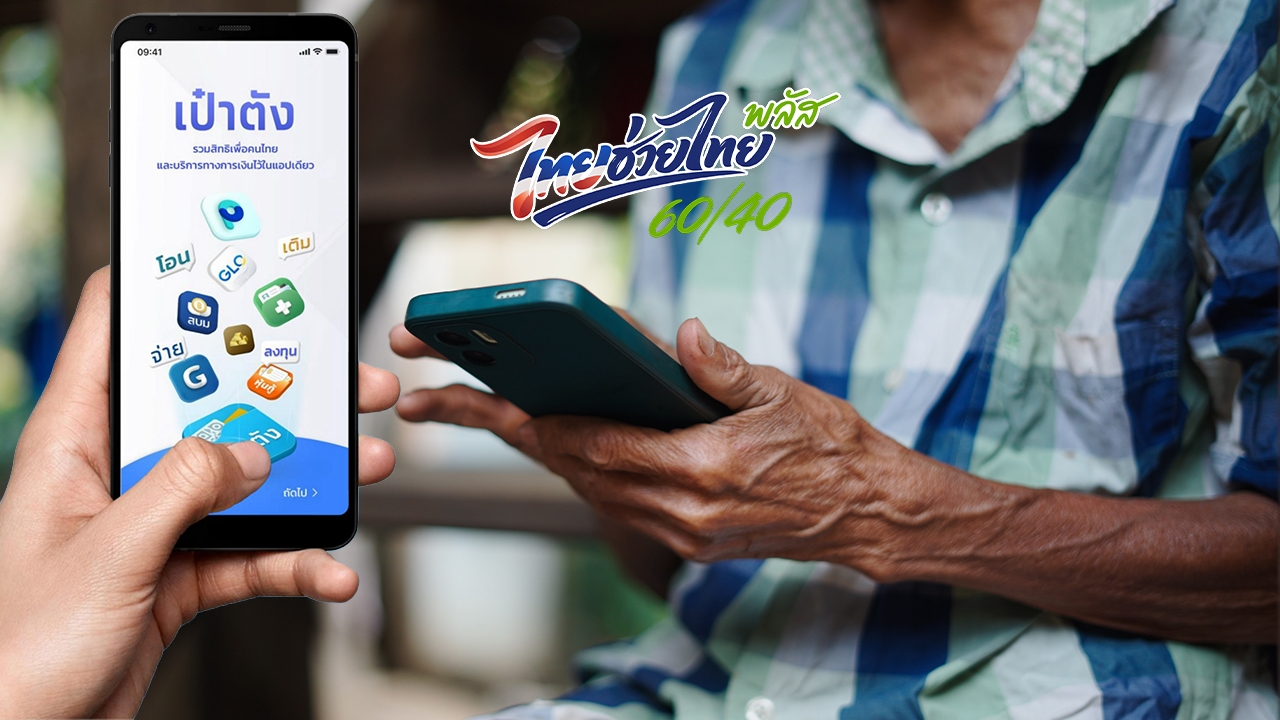
Guidance on how to download the " Pao Tang " app for those who do not meet the State Welfare Card criteria, preparing to use "Thai Chua Thai Plus Phase 2".
Progress on the Thai Chua Thai Plus project, or "Thai Chua Thai Plus Phase 2" which many have awaited clarity on, after the Ministry of Finance prepared to propose extending the Thai Chua Thai Plus 60:40 measure to the Cabinet for approval using existing budget, expecting a two-month extension.
On 18 Sep 2026, Mr. Ekaphop Pianpiset, spokesperson for the Prime Minister's Office, disclosed details of the "Thai Chua Thai Plus Phase 2" project. He said the details must await final consideration by the committee screening the use of funds from the Royal Decree loan.
From discussions with Mr. Ekkaniti Nitithanprapas, Deputy Prime Minister and Minister of Finance, it is expected that the benefit will be 1,000 baht for two months under the same 60:40 scheme.
State Welfare Card holders will receive a 700 baht top-up added to their usual 300 baht benefit, totaling 1,000 baht, starting from 1 Oct 2026.
Final confirmation awaits Cabinet approval on 22 Sep 2026.
Those who do not qualify for the State Welfare Card or 'poor people card' will also receive Thai Chua Thai Plus benefits, but details are pending on whether registration or immediate access via the Pao Tang app will be required.
However, those not qualifying for the State Welfare Card can download the "Pao Tang" app in advance, as spending under the Thai Chua Thai Plus 60:40 scheme must be done through the app.
1. Open the APP Store or Google Play or Play Store on a smartphone with Android version 10.0 or higher, or iOS version 15.0 or higher.
2. Search for "Pao Tang" in the search bar.
3. Select "GET" or "Install".
4. Once installed, open the Pao Tang app.
5. Consent to data management for identity verification.
6. Prepare your ID card.
7. Take a photo of the front of your ID card to verify your identity.
8. Verify your ID card number and enter your phone number to receive an OTP code.
9. Enter the 6-digit OTP received on your mobile phone.
10. Fill in your ID card information.
11. Choose a method for identity verification.
1. Log into Krungthai NEXT.
2. Enter your Krungthai NEXT PIN.
3. Press the proceed button on the Pao Tang app.
4. Enter the OTP sent to the phone number linked with Krungthai NEXT.
5. Set your PIN code.
6. Confirm your PIN code.
*Users must use a Krungthai NEXT account with the same ID card number as registered in the Pao Tang app.
1. Prepare to scan your face.
2. Scan your face (this step can be skipped if the phone has no camera or it is broken).
3. Set your PIN code.
4. Confirm your PIN code.
5. Enable facial recognition or fingerprint scanning.
6. Accept the terms of use of the Pao Tang app (users must consent).
7. The screen will display only consent questions the user has not previously answered (users may choose to consent or not).
8. While the system verifies user data, a message stating "Verifying data" will appear on the card.
9. Upon successful registration, a wallet card will appear for service subscription.

Those who want to register for "Thai Chua Thai Plus" but fail identity verification on the Pao Tang app can verify their identity at the gray ATMs of Krungthai Bank as follows.
"Thai Chua Thai Plus" Identity verification via Krungthai Bank ATM with a bottom-button screen.

"Thai Chua Thai Plus" identity verification via Krungthai Bank ATM with a bottom-button screen.