

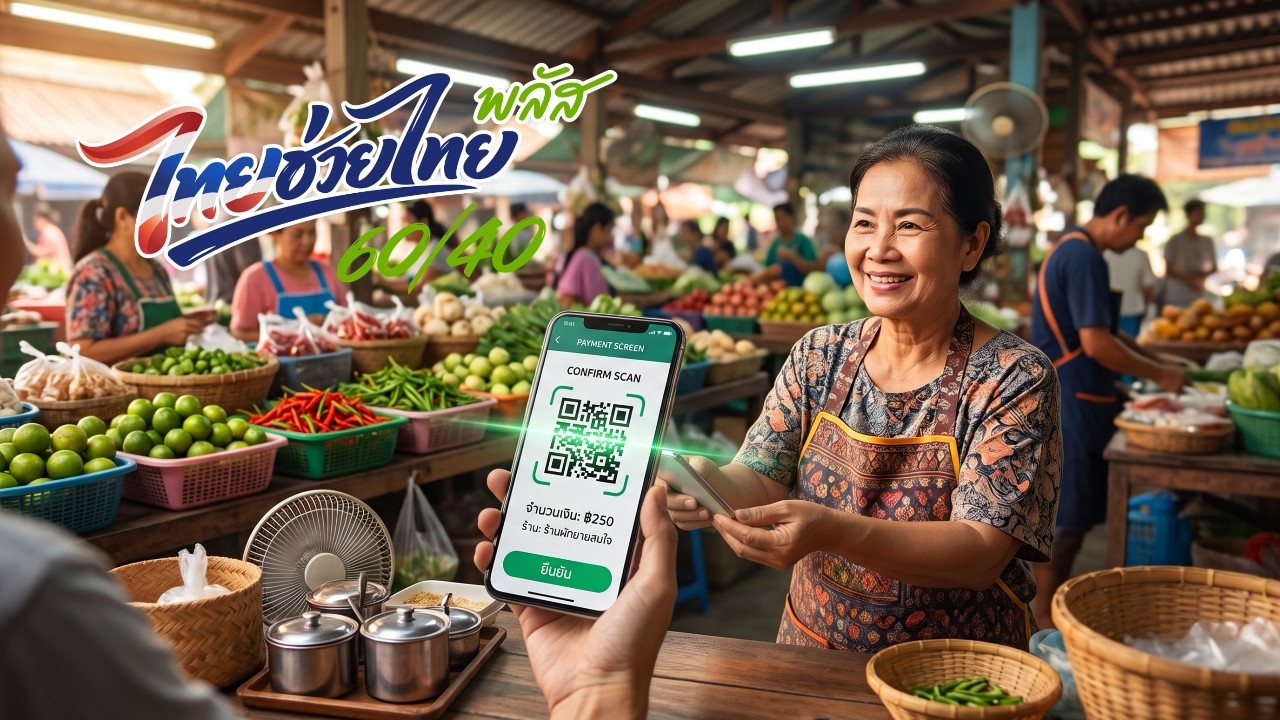
"Thai Chua Thai Plus Phase 2" When will it start? It is expected to provide 1,000 baht for spending under a 60/40 scheme over two months. What should those who do not qualify for the State Welfare Card, or "poor people's card," do?
An update on the progress of the Thai Chua Thai Plus project, or "Thai Chua Thai Plus Phase 2" After the Ministry of Finance prepared to propose extending the Thai Chua Thai Plus 60/40 measure to the Cabinet for approval, using the existing budget, the measure is expected to be extended for two months.
Unlike the first phase, this will grant 1,000 baht over two months under the same 60:40 ratio. State Welfare Card holders will receive an additional 700 baht added to their regular 300 baht benefit, totaling 1,000 baht. This will be available from 1 Oct 2026 GMT+7 until 30 Nov 2026 GMT+7.
For those who do not qualify for the State Welfare or poor people's card, they will receive Thai Chua Thai Plus benefits. Details on whether additional registration is required or if benefits can be accessed immediately via the Paotang app are to be announced.
The Ministry of Finance plans to present the results and relevant details to the Cabinet on Tuesday, 22 Sep 2026 GMT+7. Any extension of duration, amount, or conditions will follow the Cabinet's resolution.
Updates will be promptly reported as they become available.
However, those who do not qualify for the State Welfare Card can download the Paotang app in advance and register, since all Thai Chua Thai Plus 60/40 spending must be done through the Paotang app, starting 1 Oct 2026 GMT+7.
To register for the "Thai Chua Thai Plus (60/40)" project and use the benefits, applicants must use the Paotang app. The installation steps are as follows:
1. Open the APP Store, Google Play, or Play Store on a smartphone with Android Version 10.0 or higher, or iOS Version 15.0 or higher.
2. Search for "Paotang" in the search bar.
3. Select "GET" or "Install."
4. Once installed, open the Paotang app.
5. Consent to data management for identity verification.
6. Prepare your national ID card.
7. Take a photo of the front of your ID card to verify your identity.
8. Check your ID number and enter your phone number to receive an OTP code.
9. Enter the 6-digit OTP code sent to your mobile phone.
10. Fill in your ID card information.
11. Choose a method to verify your identity.