

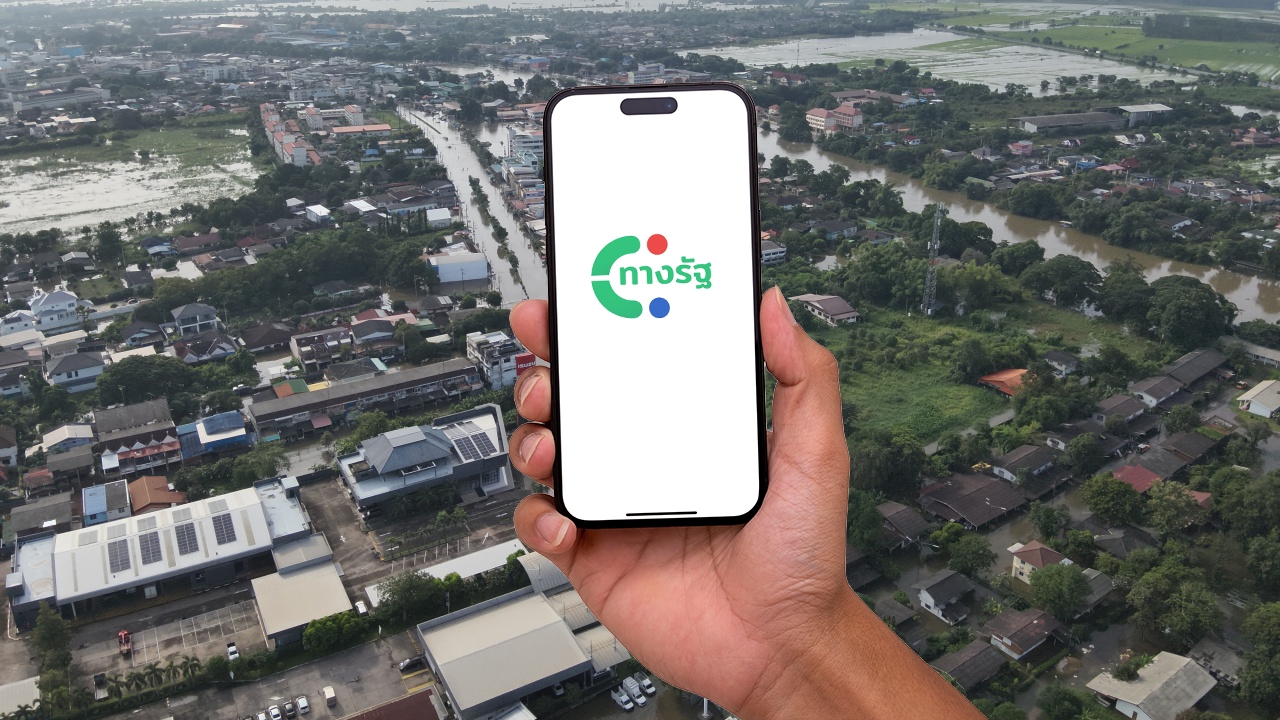
How to register for 2026 flood relief via the “Thang Rat” app covering 65 provinces and Bangkok; what to do if you don’t have a mobile phone
On 2 Oct 2026, the Department of Disaster Prevention and Mitigation (DDPM) announced that the system is open for the public to register via the Thang Rat app to apply for flood relief according to the Cabinet's resolution to assist those affected by floods during the 2026 rainy season, starting from 08:00 GMT+7 onwards.
1. Permanent residence flooded for no more than 7 days with property damage
2. Flooding lasting continuously for more than 7 days
3. Permanent residence surrounded by floodwaters, causing inability to live normally for more than 7 consecutive days
4. Permanent residence in a high-rise building where floodwaters do not reach the resident’s floor, but the flood impact causes inability to live normally for more than 7 consecutive days
Affected residents can submit requests for assistance through two methods:
1. Register via the “Thang Rat” application
The system links directly with the population registry database for immediate verification, and applicants can track their status in real time. Registration opened from 2 Oct 2026 at 08:00 GMT+7 onwards.
How to register for 2026 flood relief through the Thang Rat app
1. Log in to the Thang Rat app, then tap “All Services” at the bottom menu
2. Select the category “Eligibility Registration”
3. Choose the service “Apply for Disaster Relief Funds as per Cabinet Resolution”

4. Tap the “Allow” button to access the service
5. Review the terms of use and privacy policy, then check the box and tap “Accept”
6. Tap the “Register for Assistance”

7. Tap the “Confirm Registration”
8. Complete the required personal and system-requested information, then tap “Next”
9. Verify the accuracy of the information, check the box for “I certify that the information is correct and true” then tap “Submit Application Form”
10. Application submission successful

2. Submit documents in person
For those without smartphones, you can visit local government organizations or district offices in Bangkok, where officials will assist in inputting data into the system.
When applying in person, it is recommended to contact the local government organization or district office in your area before visiting for service.
Registration covers 65 provinces and Bangkok as follows:
Krabi, Kanchanaburi, Kamphaeng Phet, Khon Kaen, Chanthaburi, Chachoengsao, Chonburi, Chai Nat, Chaiyaphum, Chiang Rai, Chiang Mai, Tak, Trang, Trat, Nakhon Nayok, Nakhon Pathom, Nakhon Phanom, Nakhon Ratchasima, Nakhon Sawan, Nonthaburi, Nan, Bueng Kan, Buriram, Pathum Thani, Prachuap Khiri Khan, Prachinburi, Phra Nakhon Si Ayutthaya, Phayao, Phang Nga, Phichit, Phitsanulok, Phetchabun, Phrae, Phuket, Mukdahan, Mae Hong Son, Yasothon, Roi Et, Ranong, Rayong, Ratchaburi, Lopburi, Lampang, Lamphun, Loei, Sisaket, Sakon Nakhon, Satun, Samut Prakan, Samut Sakhon, Sa Kaeo, Saraburi, Sing Buri, Suphanburi, Surat Thani, Surin, Sukhothai, Nong Khai, Nong Bua Lamphu, Amnat Charoen, Ang Thong, Udon Thani, Uttaradit, Uthai Thani, and Ubon Ratchathani, including Bangkok.
Applicants must reside in areas officially declared as disaster zones or emergency disaster relief zones. Assistance is provided once per household, covering registered houses, rented homes (with tenants receiving the money), and other permanent residences even without house registration.