

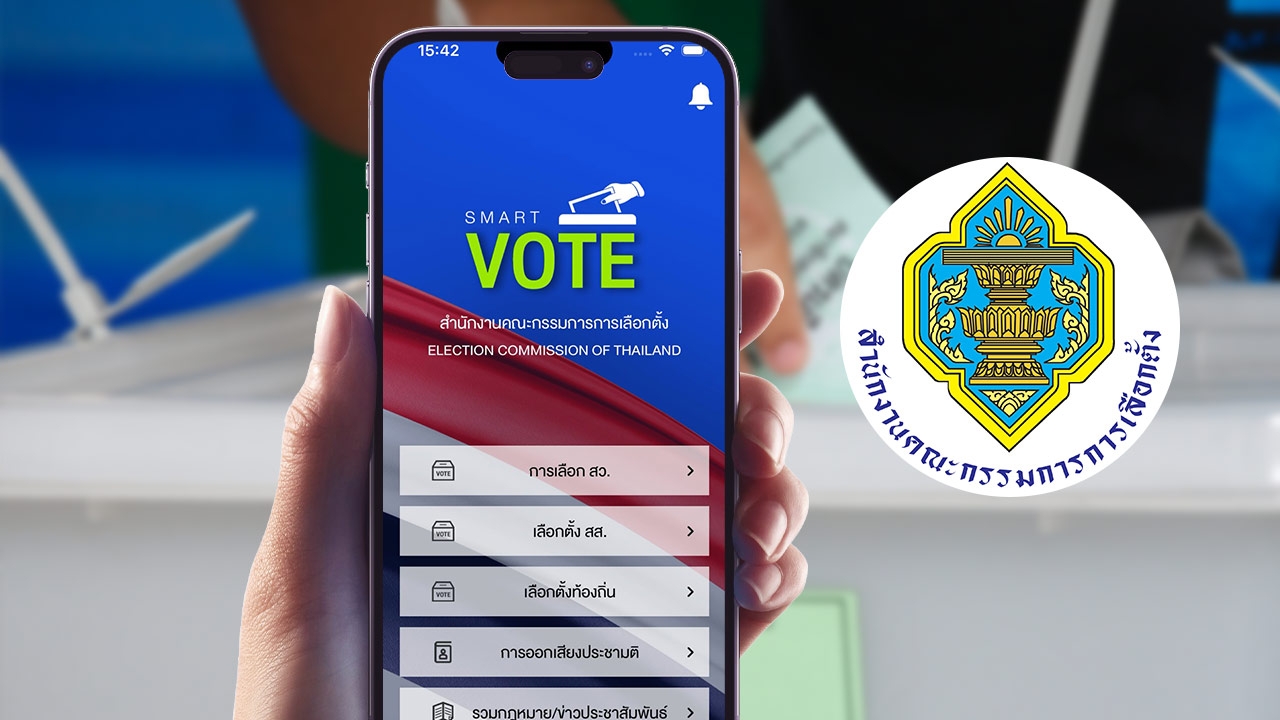
Registration steps to request early voting and overseas voting rights via the Smart Vote application are open from 20 Dec 2025 to 5 Jan 2026, available 24 hours a day.
The Election Commission has announced that from 20 December 2025 to 5 January 2026 is the period for registering to request early voting rights outside the designated election district and overseas.
Registration for early voting rights can be completed through the Smart Vote application anytime, 24 hours a day, without the need to submit documents or supporting evidence.https://play.google.com/store/apps/details?id=com.smartvote&hl=thThe steps are as follows:

1. Select the parliamentary election menu, then choose the method of voting before election day.
2. Choose the out-of-district menu, then select online registration, followed by registering to vote outside the district.
3. Log in and fill in all required information accurately: national ID number, number on the back of the ID card, full name, date of birth, or passport number. Then press verify information.

4. Check that the displayed name, surname, and province of voting rights are correct. Then select the province where you want to vote and a convenient voting location. After selecting, press save.
5. Press confirm registration.
6. After completing registration, the system will show a confirmation receipt as proof. Print or save the file to use as evidence when voting outside your registered district.

1. Select the overseas menu, then online registration, and then register to request early voting rights overseas.
2. Log in and accurately enter all required information: national ID number, ID card verification code, full name, date of birth, and passport number. Then press verify information.
3. On the overseas voting registration page, the system will display the registrant's information. Complete the overseas voting registration details carefully.
4. Press the agree button. The system will show a confirmation window to save the data. Press yes to confirm and proceed to the print page, or no to close the confirmation window.
5. On the print page, press the print button to print the PDF document for the voting rights registration request, changes to overseas voting rights, and request to return to voting rights in Thailand.
